
From Configurator Lead to Scheduled Install: 7-Step Workflow
A practical 7-step pipeline for pergola, veranda and awning installers: capture configurator leads, use AR & real-time 3D to qualify, auto-generate branded quotes, get signed contracts and schedule installs — all in one system.
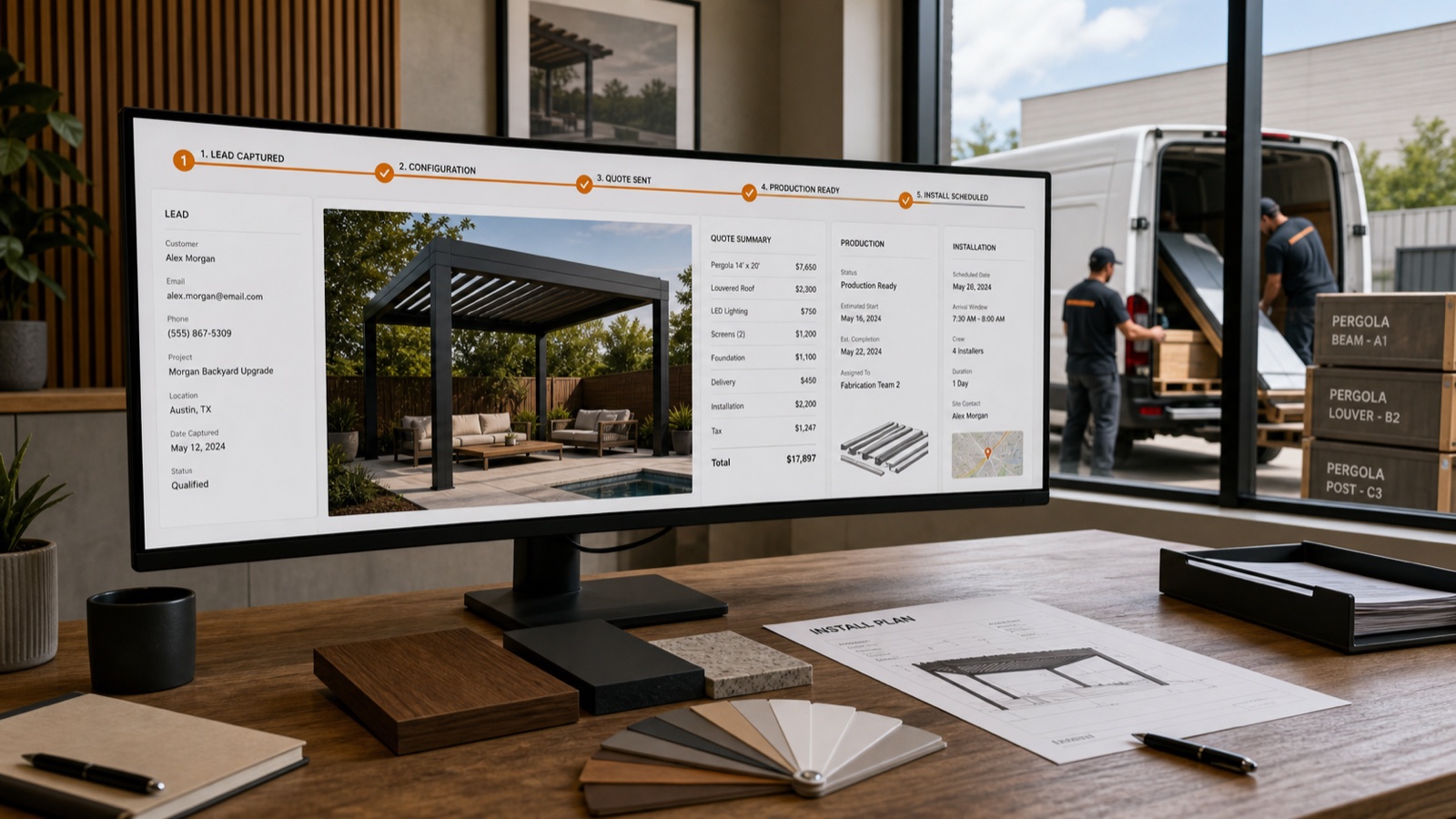
Table of contents
- Why focus on a single lead-to-install workflow?
- The 7-step pipeline every installer should run
- 1) Capture qualified interest (widgets that work)
- 2) Convert interest into a configured lead (3D snapshot + AR)
- 3) Auto-generate a branded, itemized PDF quote
- 4) Send a short approval + e-sign sequence
- 5) Validate site constraints & permits before scheduling
- 6) Schedule install (shared calendar + crew tasks) and collect deposit
- 7) Track delivery, photos, and final approval
- KPI table: example targets & what to measure
- Implementation checklist: 30–60 day roll-out
- Final tips for faster wins
- Why Configurix for this workflow
- Sources
Why focus on a single lead-to-install workflow?
Buyers of pergolas, verandas, awnings and outdoor AC systems want clarity and speed. A unified workflow eliminates error-prone handoffs (spreadsheets → PDFs → email) and turns website curiosity into booked installs. A product configurator provides the interactive canvas for that pipeline: customers pick sizes, materials and options and see immediate visuals and pricing. A product configurator typically enables users to select options such as colors, materials, sizes, or additional features while receiving immediate visual feedback. (en.wikipedia.org)
Augmented reality (AR) and real-time 3D are the visual tools that cut hesitation: customers can place a configuration in their actual garden on a phone or tablet, removing the “will it fit?” objection. Augmented reality overlays computer-generated images on live camera views to show scale and placement in context. (en.wikipedia.org)
Configurix is built around this idea: real-time 3D + AR previews, automatic pricing, branded PDF quoting, digital contract signing and a single CRM & calendar that carries a project from first click to install. Use it to replace disconnected tools and to standardize how your team sells and delivers outdoor living projects. (configurix.com)
The 7-step pipeline every installer should run
- Capture qualified interest on your site or showroom
- Convert interest into a configured lead (3D snapshot + AR preview)
- Auto-generate an itemized, branded PDF quote with pricing rules
- Send a short approval + e-sign sequence (digital contract signing)
- Validate site constraints & permits before scheduling
- Schedule install (shared calendar + crew tasks) and collect deposit
- Track delivery, photos and final approval in the project timeline
Below we break each step down into actions, templates and KPIs you can implement tomorrow.
1) Capture qualified interest (widgets that work)
Actions
- Embed a multi-step 3D configurator widget on high-intent pages (product pages, pricing page, driveway pages).
- Use simple lead forms that capture address + phone + rough dimension or preferred product.
- Offer an instant AR preview button in the widget so customers can self-qualify visually.
Why it matters
- Embeddable widgets turn passive traffic into configured leads—every captured lead already contains product intent and configuration context. Configurix widgets store each configuration as a lead, eliminating guesswork. (configurix.com)
Quick KPI: configured leads / total leads (target: 30–60% on product pages).
2) Convert interest into a configured lead (3D snapshot + AR)
Actions
- On first contact, guide the customer through a short configuration (dimensions, roof type, one accessory).
- Take a 3D snapshot and encourage the customer to view it in AR on their phone.
- Save the exact configuration to the CRM and attach the AR snapshot to the lead record.
Why it matters
- A saved configuration eliminates ambiguity: your quotation will be for the exact items the client already approved visually and in AR. Real-time 3D avoids rework because what you price is what gets produced. (en.wikipedia.org)
3) Auto-generate a branded, itemized PDF quote
Actions
- Use rules-based pricing (base price + per-metre charges + accessory prices + regional surcharges).
- Generate a branded PDF that includes: 3D snapshot, 2D plan with dimension lines, itemized price, payment terms and a simple approval button.
- Include permit guidance and expected lead time in the quote.
Why it matters
- Branded PDFs that come straight from the configuration remove interpretation errors and give customers a professional document to sign. Automatic pricing removes spreadsheet mistakes and protects margin. Configurix turns every configuration into a ready-to-send branded PDF quote in seconds. (configurix.com)
Template line to include in the PDF
- “This quotation is based on the exact configuration captured in the attached 3D snapshot. Installation date is subject to permit approval and deposit receipt.”
4) Send a short approval + e-sign sequence
Actions
- Send a one-email (or SMS/WhatsApp) approval sequence: quote link → two-click approve → e-sign contract.
- Automate reminders: 48 hours, 5 days, then a last-chance notice at 10 days.
- Offer instant deposit payment link in the approval flow.
Why it matters
- Digital contract signing speeds conversion and creates a timestamped record. For many installers, moving from an emailed PDF to an e-signed contract reduces lost quotes and speeds scheduling. Configurix supports branded PDF quotes and e-sign-ready documents inside the same workflow. (configurix.com)
Email subject example
- “[Company] Quote #2489 — Review & Sign to Reserve Your Slot”
5) Validate site constraints & permits before scheduling
Actions
- Before confirming installation, run a short permit checklist in the project record: attached or freestanding? footprint under local threshold? ledger attachment needed?
- If permits are likely, inform the customer and add permit application as a task on the shared calendar.
Why it matters
- Many jurisdictions require permits for pergolas and deck-attached structures; the International Residential Code (IRC) and local amendments commonly control thresholds and requirements. Confirming permit risk before scheduling avoids costly delays. (codes.iccsafe.org)
Checklist to add to every project record
- Delivery access (truck + crane if needed)
- Underground services located
- Property boundaries & neighbour approvals (if required)
- Permit required? (yes/no) — attach permit documents
6) Schedule install (shared calendar + crew tasks) and collect deposit
Actions
- Convert the approved quote into a scheduled job on the shared calendar and auto-assign tasks to crews (site prep, delivery, install, final inspection).
- Send an install confirmation email with a short checklist for the homeowner (clearing furniture, garden hose disconnection, access to power).
- Require deposit to hold the slot (automated payment link included).
Why it matters
- Scheduling and crew assignment inside the same system that captured the lead keeps everyone aligned and removes double data entry. Teams using one integrated platform avoid the common errors that happen when quotes, calendars and production orders live in separate tools. Configurix ties project timeline, documents and photos to each job so nothing is lost between sale and install. (configurix.com)
7) Track delivery, photos, and final approval
Actions
- During and after install, record photos and short notes in the project timeline.
- Send a final sign-off form for the homeowner to confirm completion and quality.
- Trigger warranty registration and a follow-up marketing automation 30 days after install.
Why it matters
- A documented timeline both protects your business and makes cross-selling (blinds, heaters, maintenance) far easier after a successful install.
KPI table: example targets & what to measure
| KPI | Before (example) | Target after workflow | Where to measure |
|---|---|---|---|
| Time from lead → quote | 72 hours | < 2 hours | CRM / project pipeline |
| Quote acceptance rate | 7–12% | 20–40% | CRM / sales pipeline |
| Time from approval → scheduled install | 14 days | 3–7 days | Shared calendar |
| Data re-entry errors per month | 6–12 | 0–1 | Ops / production reports |
Note: numbers are illustrative targets—measure your baseline and set realistic short-term goals.
Implementation checklist: 30–60 day roll-out
- Week 1: Embed the configurator widget on two high-traffic pages and train sales on quick configuration.
- Week 2: Create and standardize branded PDF quote template with permit notes and deposit rules.
- Week 3: Build the approval + e-sign automation and test with two pilot customers.
- Week 4: Enable shared calendar and crew task templates; run three scheduled installs through the workflow.
- Week 5–8: Track KPIs, refine pricing rules and automate follow-up sequences.
Final tips for faster wins
- Make the configurator simple for first contact (limit to 3 choices) and progressively disclose complexity during follow-up.
- Use AR early — it removes the biggest buyer objection faster than additional photos or words. (en.wikipedia.org)
- Include a permit note in every quote to avoid surprise scope changes. (codes.iccsafe.org)
- Keep the exact configured snapshot attached to the quote and job record — it’s your single source of truth. (configurix.com)
Why Configurix for this workflow
Configurix is designed to run this exact pipeline: real-time 3D configuration, AR preview in the customer’s real space, automatic pricing rules, branded PDF quotes that are e-sign-ready, and a shared calendar + CRM so the job flows from lead to install without re-keying data. If you want a white-label solution (your logo, your domain), fast branded quotes and digital contract signing inside the same system, Configurix was built for that end-to-end experience. (configurix.com)
Explore the pergola configurator and see how a single tool can hold every step: /products/pergola-configurator. If you sell awnings or want AR-driven previews on your site, check our awning page at /products/awning-configurator. Learn more about Configurix and book a demo at our home page: [/].
Sources
- Configurix (company product pages and documentation) — 2026. (configurix.com)
- "Configurator" (Wikipedia) — 2026. (en.wikipedia.org)
- "Augmented reality" (Wikipedia) — 2026. (en.wikipedia.org)
- International Residential Code (IRC) — International Code Council, 2018/2021 guidance on accessory structures and decks. (codes.iccsafe.org)
- U.S. Small Business Administration — Contracting and quoting best practices — 2026. (sba.gov)
Ready to try Configurix?
See how the configurator, quoting and CRM work together for your business.
Book a demo →Related articles
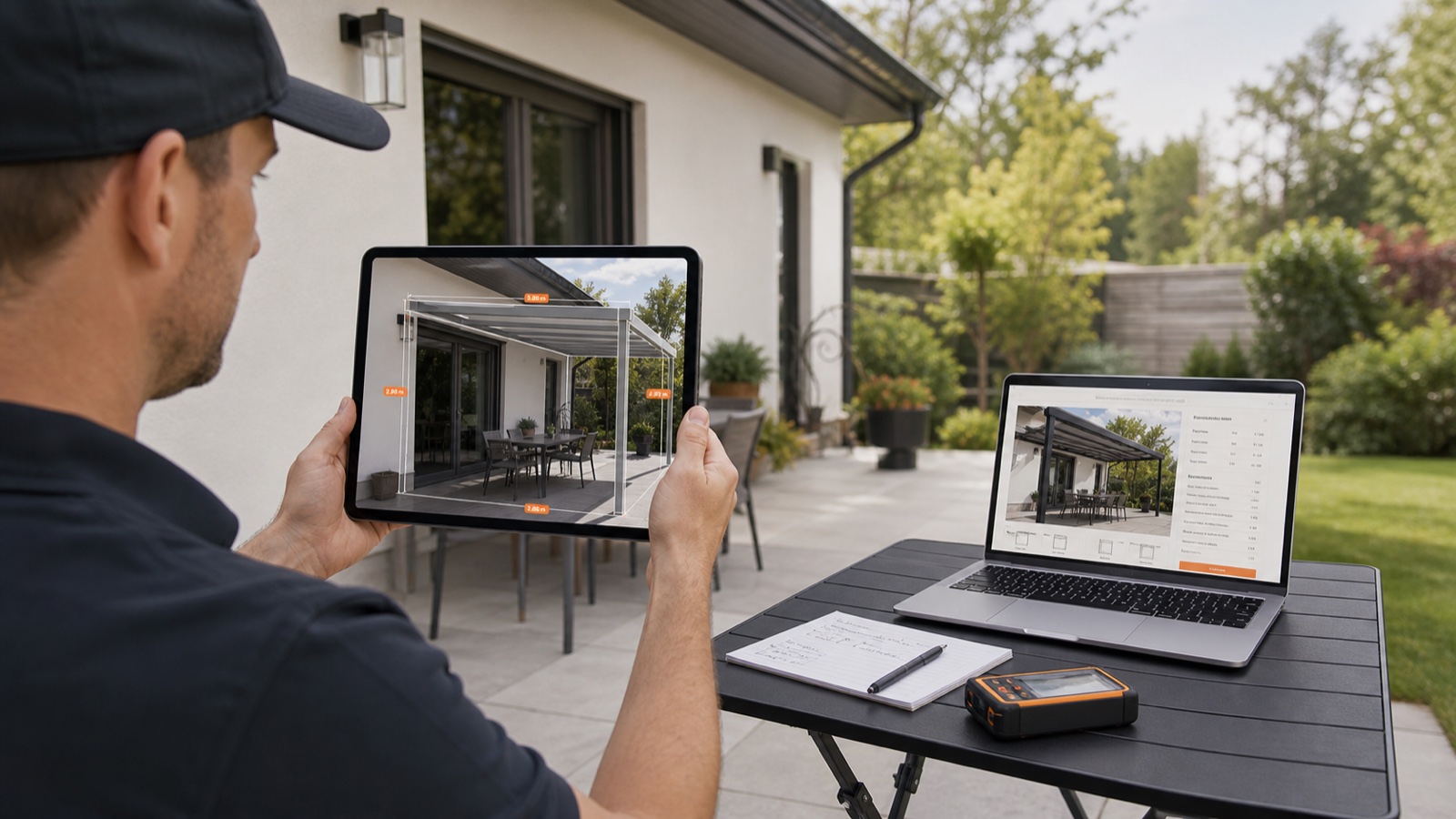
AR Site Capture: Photo-to-Quote Workflow for Outdoor Installers
Turn an onsite phone photo into an instant, priced quote, digital contract and scheduled install. This guide shows outdoor-shade teams how AR site capture + a real-time 3D configurator speeds sales and eliminates rework.
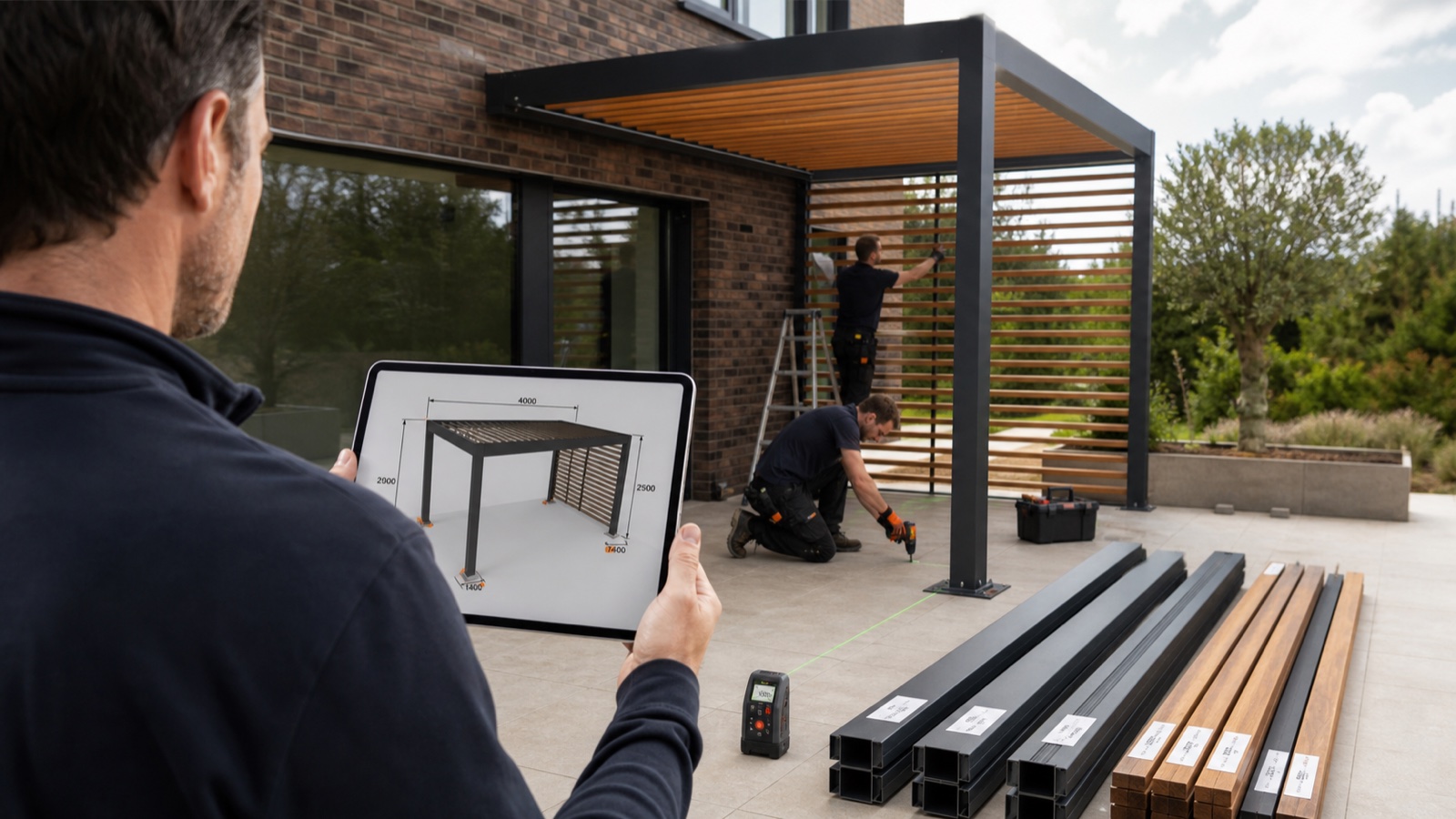
Cut Field Rework for Pergolas: Real-Time 3D, AR & Instant Branded Quotes
Reduce costly site rework and lost margin on pergola, veranda and awning installs using a single Configurix workflow: real-time 3D rules, AR on the home, instant branded PDFs and signed contracts.
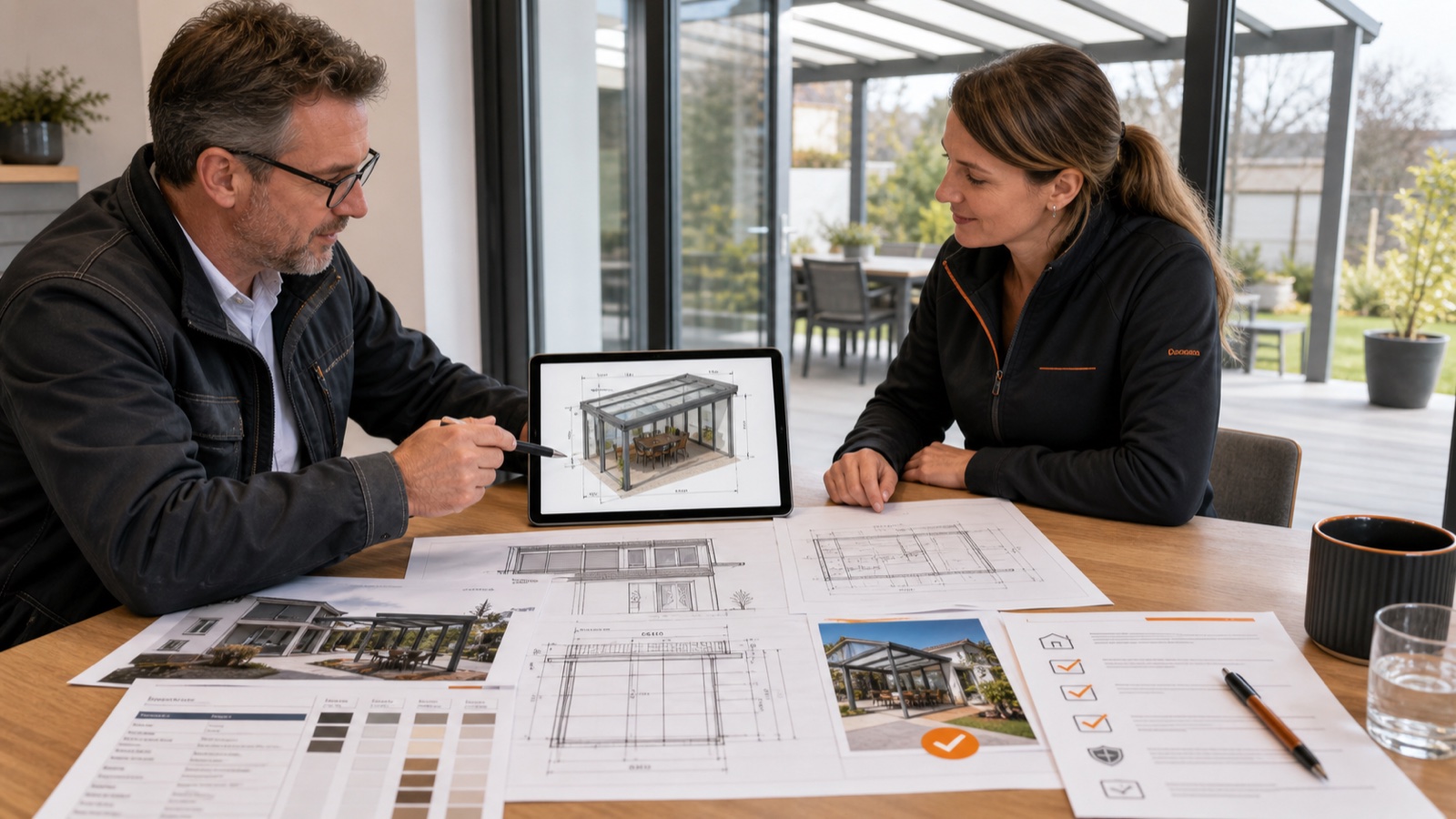
Permit-Ready Quotes for Pergolas & Awnings - Checklist for Verandas
A practical, permit-focused checklist for installers: what drawings, measurements and documents to include in a quote so permits pass first time. Use 3D, AR and branded PDFs to make quotes inspection-ready.
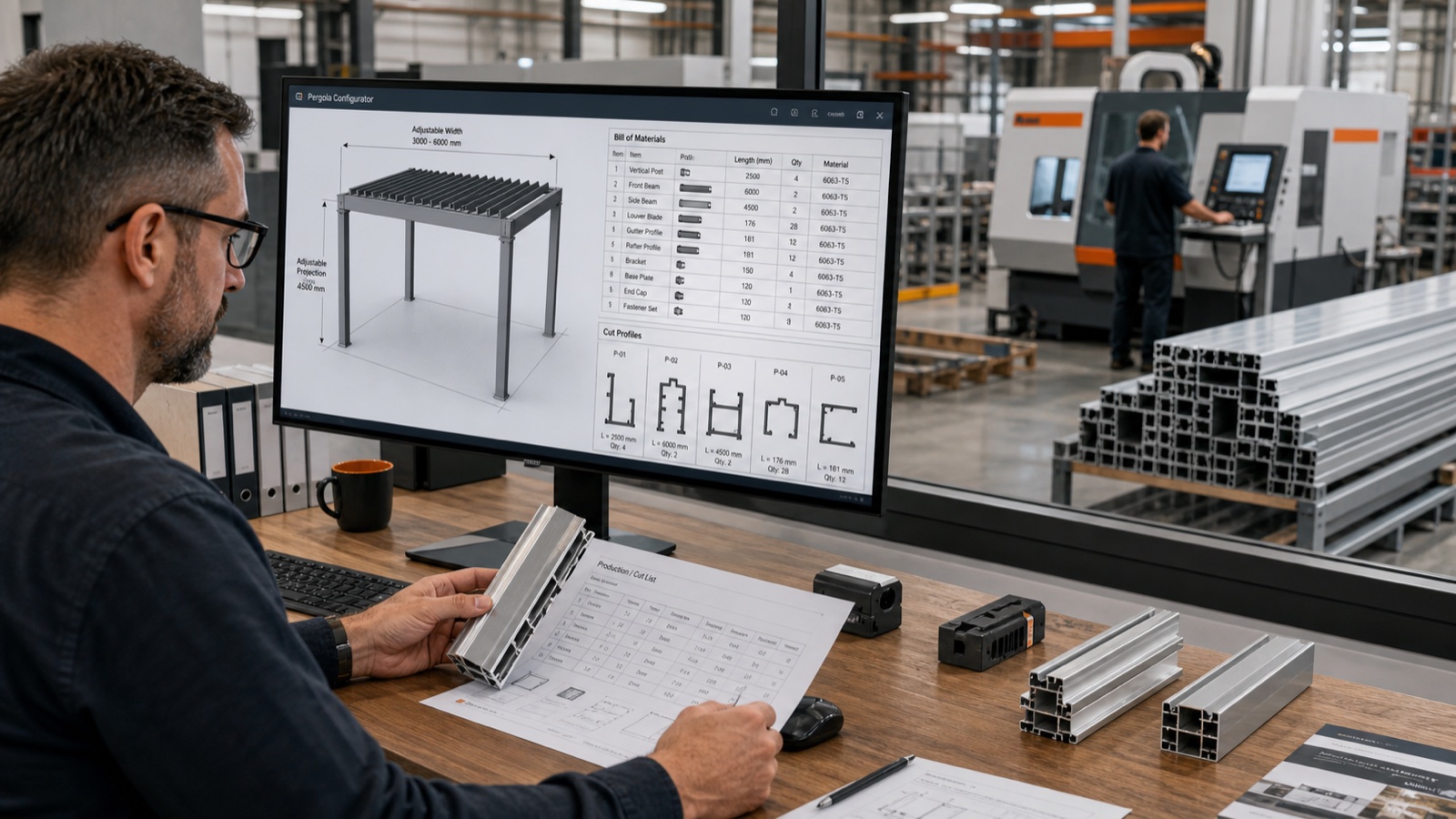
Parametric Configurators: Eliminating BOM Errors from Quote to Factory
How parametric configurators turn pergola, veranda and awning quotes into factory-ready BOMs — reducing errors, rework and lead time. Learn the workflow, metrics, and why Configurix is purpose-built to deliver it.