

Table of contents
An HVAC configurator should turn approved equipment choices and verified project inputs into a quotation your team can explain. A useful software brief distinguishes the customer's visual preferences, catalogue compatibility rules and the technical checks that a qualified person must complete.
Configurix develops configurable-product software and sales workflows around the equipment range you supply. For air conditioning, agree which systems, accessories, price rules and quotation outputs belong in the first release. The product model and the information required for an installation review should be defined together.
Start with the equipment catalogue
Record the model references, permitted indoor and outdoor unit combinations, mounting options, accessories and available finishes. Define which choices can be validated by product rules and which require technical review. A dimension or colour selector alone cannot establish that a system is suitable for the building.
If calculations or equipment-sizing tools are required, specify the responsible calculation method, input data, reviewer and connection to the quotation. Treat these as explicit project requirements rather than assuming that a 3D model supplies the engineering decision.
Separate visual previews from verified site data
A 3D or AR preview can help someone discuss placement and appearance. It should not be presented as a substitute for checked measurements, clearances or installation assessment unless the relevant measurement workflow has actually been implemented and validated.
| Project input | Responsibility to define |
|---|---|
| Model and accessory codes | Catalogue owner approves allowed combinations |
| Room and installation dimensions | Identify who measures, verifies and can revise them |
| Proposed equipment position | Record the choice and any conditions for approval |
| Access, mounting and connection questions | Route unresolved issues to the responsible reviewer |
| Installation and delivery charges | Identify the agreed price source and review boundaries |
Preserve units and the revision of each accepted input. A change after quotation should remain visible to the sales and installation teams.
Build a quote from the same specification
The quotation can explain selected equipment, accessories and agreed services as separate lines. Define tax treatment, price validity, exclusions and whether installation charges are confirmed or subject to review. The accepted price must refer to the same product revision the customer considered.
Where your existing CRM, calendar or order system is involved, agree the identifiers, field mapping, access and delivery status. Creating a quotation does not by itself confirm an available installation slot.
Evaluate the software before choosing a scope
Use a normal catalogue combination, an incompatible request and a project with incomplete site information. Check the resulting explanation, saved specification and quotation. Test what happens when a verified measurement changes and when an integration needs to retry a failed transfer.
The implementation schedule depends on the catalogue, models, rules, calculations and connections required. Assess your team's actual process instead of relying on a universal site-survey duration.
Explore the Configurix air conditioning configurator, review integration requirements, or book a private demonstration around your equipment and quotation workflow.
Ready to try Configurix?
See how the configurator, quoting and CRM work together for your business.
Book a demo →Related articles

90-Day Roadmap: Launch a White-Label 3D Configurator for Manufacturers
A practical 90-day playbook for pergola, veranda and awning manufacturers to launch a white‑label 3D configurator with AR preview, instant branded quotes and end‑to‑end delivery.

Photo Privacy for AR Quotes: A Guide for Installers
A practical guide to handling customer property photos for pergola and awning quotes and scoping AR workflows.

How to Build Clear PDF Quotes for Pergolas and Awnings
A practical guide to quote scope, pricing, 3D visuals, revision control and order handoff for pergola and awning businesses.
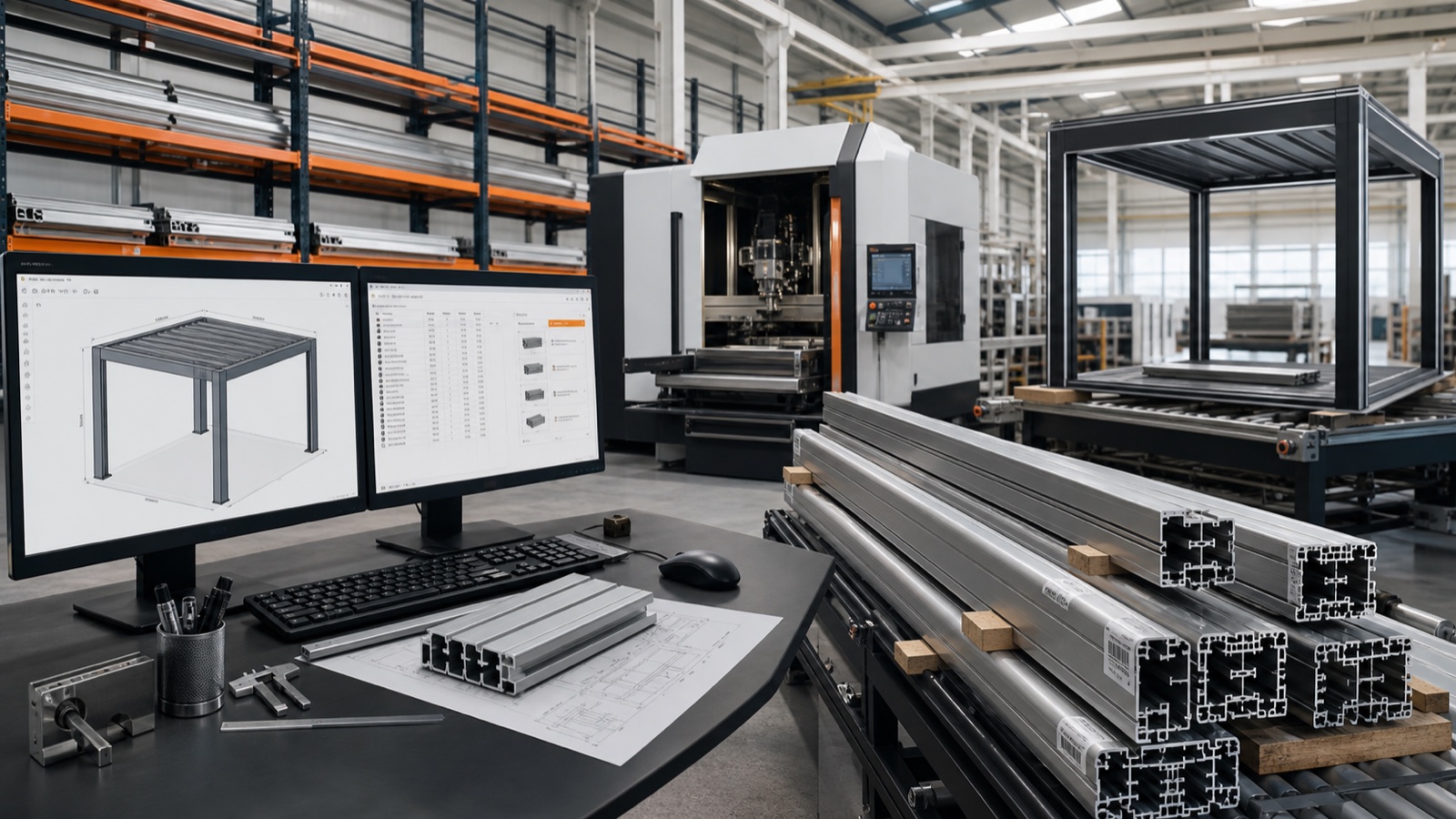
Config to Factory: Build One Data Pipeline for Outdoor Installs
How manufacturers and dealers turn a 3D/AR configurator into a single data pipeline that creates priced quotes, manufacturing BOMs and install schedules—reducing errors and speeding delivery.