
Where to Place a 3D + AR Configurator on Your Site to Maximize Leads
Practical guide for outdoor-shade brands and installers: where to embed a real-time 3D + AR configurator (site, landing pages, in-person sales) and the KPIs, CTAs and playbook that turn visits into signed contracts.
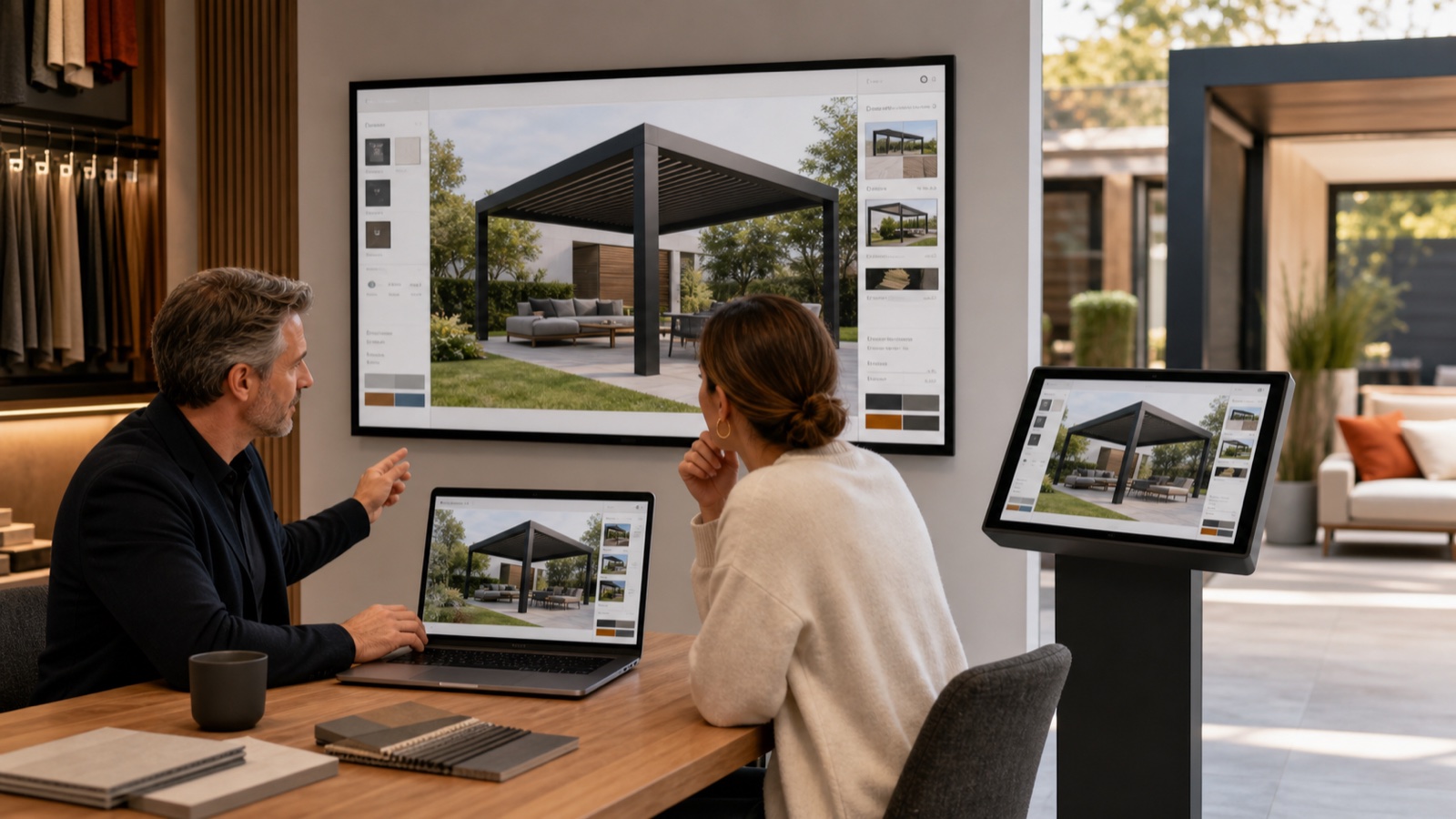
Table of contents
- Why placement matters now
- Quick summary (what to do)
- Where to embed the configurator: placement plan with KPIs
- Homepage widget vs product-page configurator: when to show each
- In-field AR placement: close more in one visit
- Technical & UX tips for each placement
- Example playbook: move a visitor to a signed contract in 3 steps
- Measurement: top KPIs to track by placement
- Why Configurix is the practical choice for outdoor-shade sellers
- Quick checklist to launch in 8 weeks
- Final recommendation
- Sources
Why placement matters now
Real-time 3D and on-site AR previews are no longer novelty features for pergolas, verandas and awnings — they change how buyers decide. Recent industry research shows manufacturers and sellers who centralize configurable 3D tools into their digital sales process see measurable productivity and conversion gains. (prnewswire.com)
That means choosing where and how you expose a configurator on your site (and in-field workflow) directly affects lead volume, demo quality, and how fast prospects move to a signed contract.
This guide gives a concise, tested placement plan for outdoor-shade brands and installers, with KPIs and examples tailored to pergolas, verandas, awnings and AC shelters. Throughout we show how Configurix — a white-label, real-time 3D/AR configurator with instant branded-PDF quotes, automatic pricing and end-to-end lead-to-install features — fits into each placement and why it converts.
Quick summary (what to do)
- Put a simplified configurator on your homepage hero or as a persistent widget for instant engagement. (Top-of-funnel capture)
- Create product-specific landing pages (pergola, veranda, awning) with an embedded full configurator for discovery and pricing transparency. (Consider using /products/pergola-configurator and /products/awning-configurator.)
- Use in-depth configurator experiences behind lead gates (email/phone) for high-intent prospects, or as a follow-up in quoting emails.
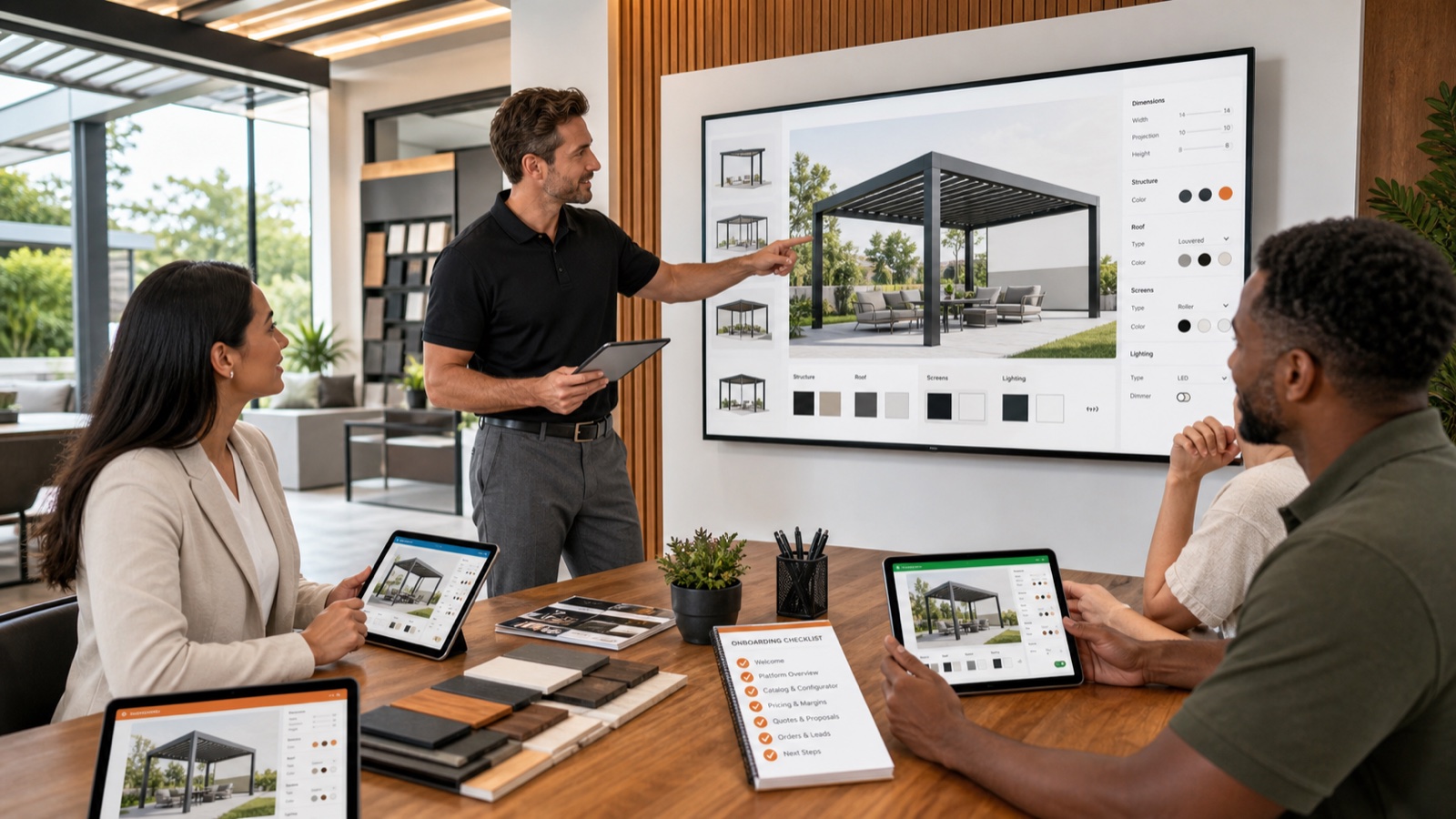
- Equip sales reps and field techs with the same configurator (web or tablet) and AR site-preview to close faster in one visit.
- Automate the next steps: instant branded-PDF quote, e-signature, shared calendar scheduling and production docs in a single system.
These placements reduce friction at every step, from anonymous visitor to scheduled install.
Where to embed the configurator: placement plan with KPIs
| Location on site or workflow | Primary objective | Example CTA | Core KPI |
|---|---|---|---|
| Homepage hero or persistent widget | Instant engagement — capture cold traffic | "Design a pergola in 60s" | Click-to-configure rate, new leads/day |
| Product landing pages | Show options, transparent pricing | "Customize this pergola" | Time-in-configurator, quote requests |
| PPC / Paid landing pages | Match ad intent with product configurator | "Build your louvered pergola" | Conversion rate, CPA |
| Sales demo / quoting page (gated) | High-intent lead capture + deeper config | "Get a permit-ready quote" | Lead-to-opportunity rate, demo conversion |
| Sales rep tablet / iPad (field) | Close on-site with AR preview | "Preview on my house" | Close-in-first-visit %, average ticket size |
| Proposal email / follow-up | Re-open stalled prospects with exact visuals | "View your personalized 3D quote" | Email CTR, e-signature rate |
Each placement should connect into the same rules-driven configuration engine so pricing, parts lists and documents remain accurate regardless of where the prospect configures. Centralized configuration reduces rework and BOM errors for production teams. (3dsystems.com)
Homepage widget vs product-page configurator: when to show each
Homepage widget (short, fast):
- Best for mobile and first-time visitors.
- Offer a few curated presets (sizes, roof type, color) and a "See full options" CTA.
- Goal: lower the barrier to interaction and capture contact info.
Product page (full experience):
- Deep rules-based configuration: structural options, louvers, heaters, sensors.
- Live pricing (automatic pricing rules) and downloadable branded PDF quotes.
- Goal: let buyers validate budget and scope without phone tag.
Because many buyers first want "what will it cost" before speaking, product-page configurators that show live prices significantly reduce friction. Centralizing pricing logic is also essential for maintaining margin as options multiply. (parallelsolutions4u.com)
In-field AR placement: close more in one visit
Embedding AR into your field sales workflow is one of the biggest conversion uplifts for outdoor installers. Let the homeowner see the configured pergola or awning in their actual yard using a phone or tablet camera; then update dimensions and options while standing on site. That immediate, contextual visualization reduces change orders and clarifies site constraints before fabrication. Evidence from AR adoption in on-site trades shows tangible reductions in misinterpretation of plans and installation errors. (novatr.com)
Operational steps for field AR success:
- Pre-load customer lead and rough config from the website.
- Use AR to place the model on the homeowner’s site (capture orientation & photos).
- Make live edits (span, posts, roof type) and show updated price.
- Export branded quote + e-sign contract and schedule installation immediately.
That single-session close is what transforms a lead into a booked install and prevents double-handling later.
Technical & UX tips for each placement
- Keep the same UI logic everywhere. If a customer starts on the homepage and moves to the product page, their selections should persist.
- Prioritize performance: real-time 3D must load in under 3 seconds on modern mobile or show a reduced-mode fallback view.
- Use progressive disclosure: show a few high-impact choices first (size, roof type, color) and reveal advanced options later.
- Make pricing transparent and tied to the configuration rules so that sales and install teams never see mismatched quotes.
A unified, rules-based 3D engine produces consistent outputs — price, parts lists and production documents — whether a homeowner uses AR at a kitchen table or a dealer configures on a laptop. Studies of centralized 3D configuration and cloud asset management report measurable productivity and go-to-market benefits for manufacturers and sellers. (prnewswire.com)
Example playbook: move a visitor to a signed contract in 3 steps
- Capture: Homepage widget or paid ad sends to product page. Quick config shows instant price and asks for contact to download full specs (lead captured).
- Qualify & Preview: Sales rep opens the same saved config, does an AR site preview during a scheduled visit, adjusts dimension constraints and finalizes options.
- Close & Schedule: System generates a branded PDF quote, sends it with digital contract signing, and creates a calendar booking for measurement/install — all tracked in one shared CRM and calendar.
Configuring these steps in one system avoids CSV exports, manual re-entry and mismatched BOMs — common causes of delays between quote and install. Centralized workflows are a significant productivity win. (3dsystems.com)
Measurement: top KPIs to track by placement
- Click-to-configure rate (homepage & widget)
- Time-in-configurator (engagement) — average session length
- Quote request rate (conversion to lead)
- Close-in-first-visit % (field AR + e-sign)
- Average order value (AOV) when AR preview used vs not used
- Lead-to-scheduled-install time (days)
Track these monthly and run A/B tests: homepage widget CTAs, landing page hero copy, and whether offering immediate price increases or decreases lead quality.
Why Configurix is the practical choice for outdoor-shade sellers
Configurix is built for the exact placements and playbooks described above. Key differentiators you can deploy immediately:
- Real-time 3D engine with rules-based configuration so every placement (homepage widget, landing page, field tablet) shows identical pricing and BOMs.
- AR site preview that places the configured product on the customer’s real home for faster in-field closes.
- White-label delivery (logo, colors, domain) so every touchpoint looks like your brand.
- Instant branded PDF quotes and automatic pricing from the live configuration — produce permit-ready documents without manual spreadsheets.
- Digital contract signing, a shared calendar for site visits and installs, and built-in CRM so the whole lead-to-install workflow lives in one system.
If your goal is fewer site visits, higher first-visit close rates, and no handoffs between sales and production, Configurix is designed for that flow. See examples for pergolas and verandas on our product pages: /products/pergola-configurator and /products/veranda-configurator. For awnings and outdoor AC shelters, check /products/awning-configurator and /products/ac-configurator. Learn more about the company and white-label options at /about or return to the homepage to see live demos at /.
Quick checklist to launch in 8 weeks
- Week 1: Decide scope (homepage widget + 1 product page) and map pricing rules.
- Week 2–3: Model top SKUs and presets; set up automatic pricing rules in the configurator engine.
- Week 4: Integrate white-label assets and embed widget on homepage.
- Week 5: Test mobile performance and AR site preview workflows.
- Week 6: Train sales & install teams on tablet AR and e-sign flows.
- Week 7: Launch landing page and run initial paid campaign (small budget).
- Week 8: Review KPIs; iterate on CTAs and presets.
Companies moving their 3D, AR and quoting into a single cloud platform report productivity and sales benefits — both in manufacturer case studies and independent business-impact studies. (prnewswire.com)
Final recommendation
If you sell pergolas, verandas, awnings or outdoor AC shelters, embed a fast, mobile-friendly configurator in two places at minimum: a low-friction homepage widget and a full product-page configurator with live pricing and AR preview. Extend the same engine into the field so sales, quoting and scheduling happen in one session. That placement strategy both increases lead volume and shortens the path to a signed contract.
Configurix is purpose-built for this exact flow: real-time 3D + AR, branded PDF quotes, automatic pricing and a lead-to-install system in one white-label platform. To see how these placements work in live demos and to get a migration plan tailored to your catalog, visit / or contact our team via /products/pergola-configurator.
Sources
3D Cloud Business Impact Study (PR Newswire) 2026
3D Systems — From Fragile to Agile White Paper (3D Systems) 2026
How AR is Enhancing On-Site MEP Installation Accuracy? (Novatr) 2026
Louvered Pergola: Complete 2026 Engineering & Buyer's Guide (Pergola Cave) 2026
Product Configurator (DS-MFG technical PDF) 2025
Ready to try Configurix?
See how the configurator, quoting and CRM work together for your business.
Book a demo →Related articles
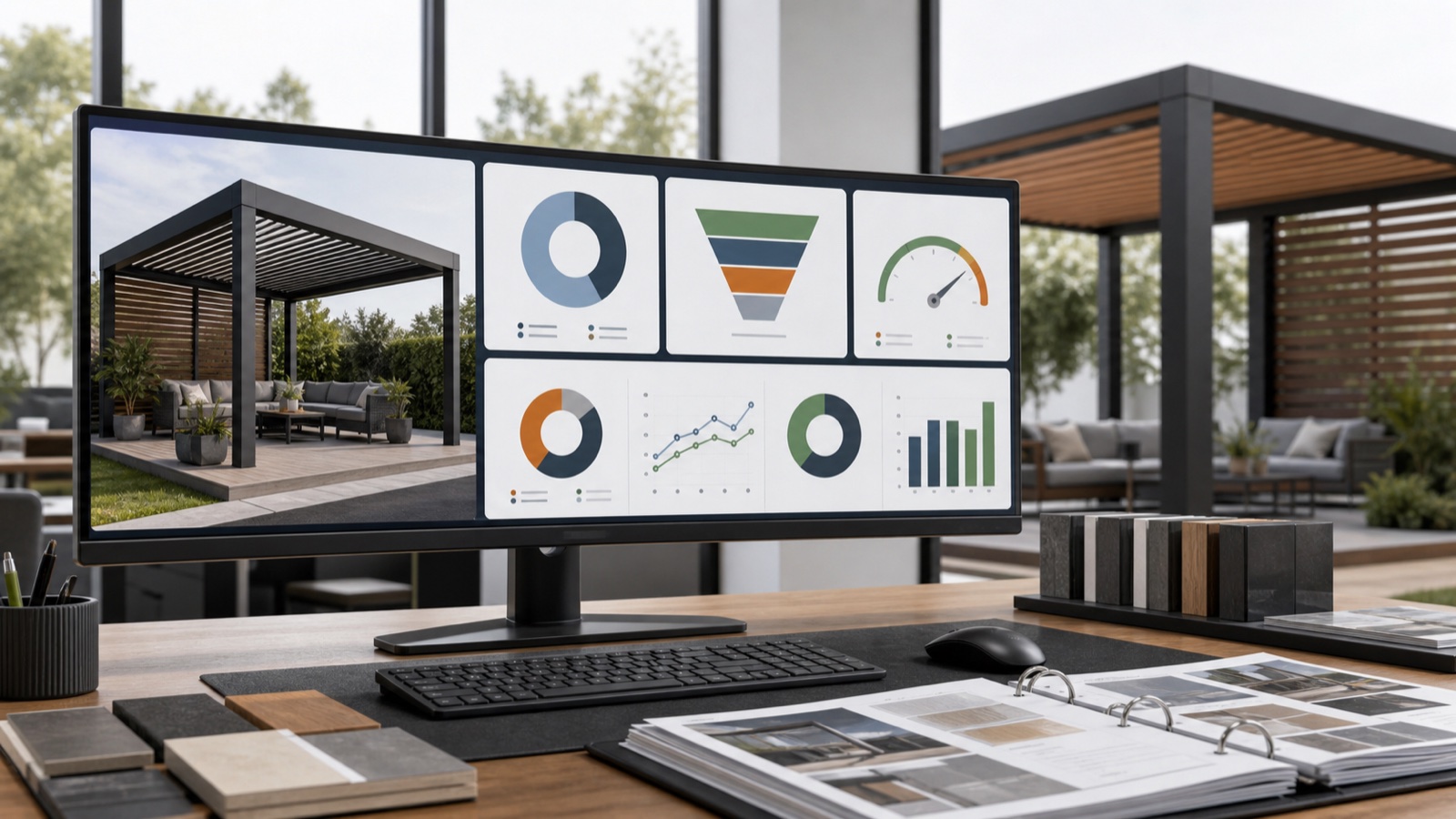
7 KPIs to Prove ROI from a 3D + AR Configurator for Pergolas
Seven KPIs installers and manufacturers must track after launching a 3D+AR configurator for pergolas and awnings — with targets and how Configurix's real-time 3D, AR and auto-pricing drive them.
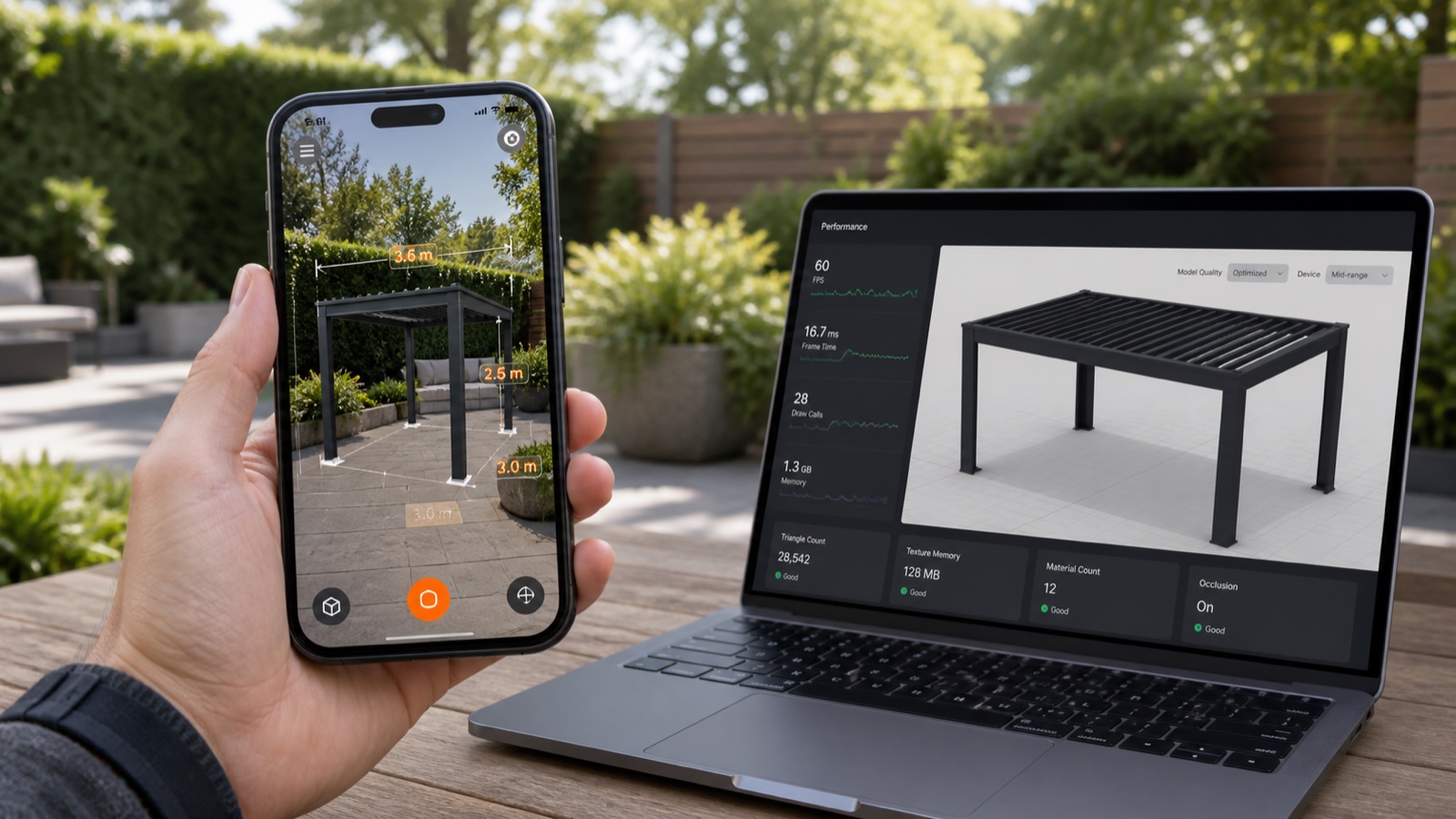
Optimize Mobile AR Previews (2026): Boost Pergola & Awning Sales
A practical 10-point checklist for outdoor-shade dealers to make mobile AR previews load fast, look real on the customer’s home, and convert more leads into signed contracts using Configurix.
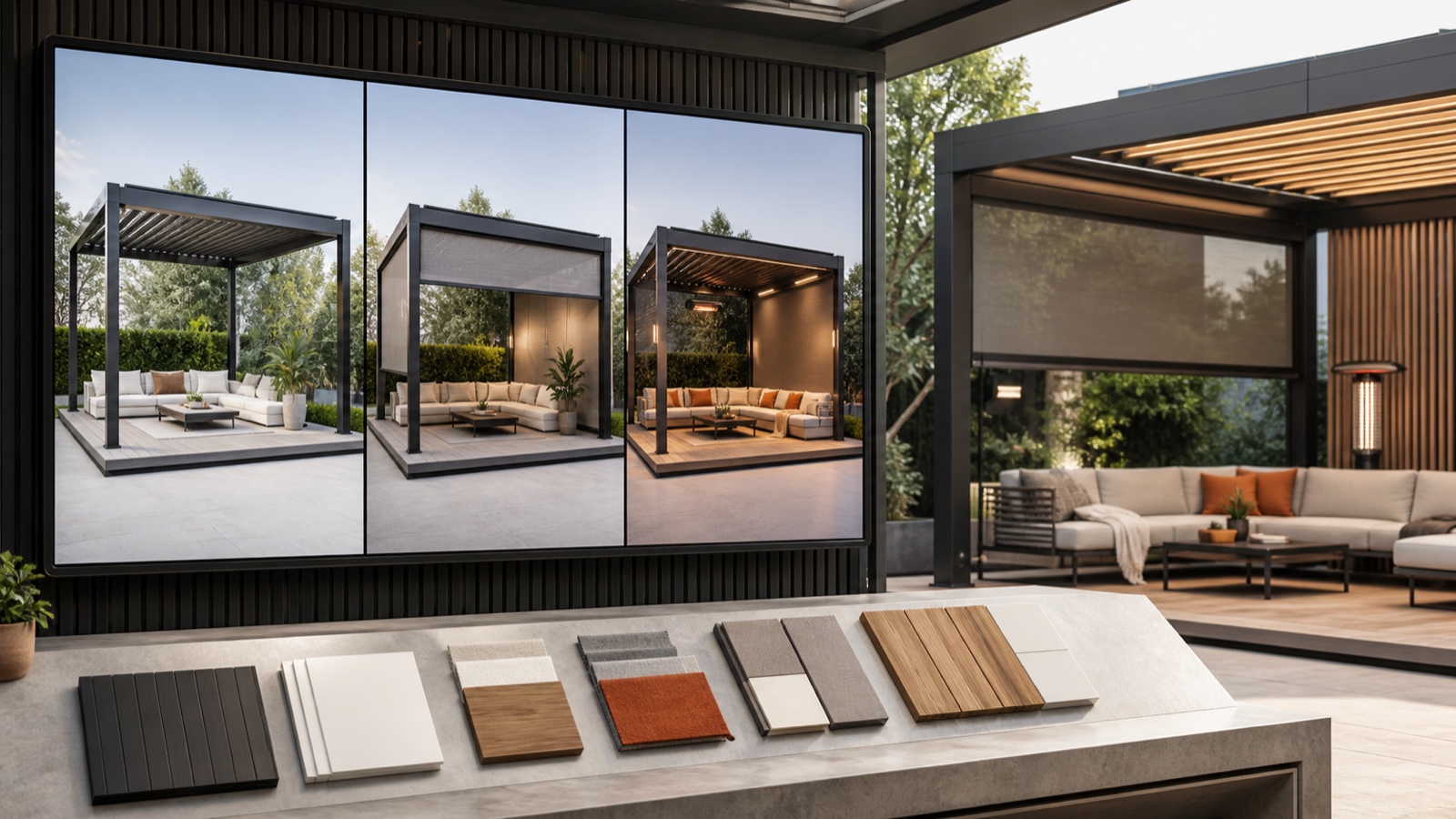
Boost Pergola & Awning AOV: 3D Configurator Bundles That Work
Learn practical tactics to increase average order value (AOV) for pergolas, verandas and awnings using live 3D + AR bundles, pricing rules and branded quotes — step-by-step for installers and dealers.
How Manufacturers Scale Pergola & Awning Distribution with a White‑Label 3D Configurator
A step-by-step guide for manufacturers to roll out a white‑label 3D/AR configurator, standardize pricing, and onboard dealers fast — from catalog publishing to signed orders and install scheduling.