
How to Build Clear PDF Quotes for Pergolas and Awnings
A practical guide to quote scope, pricing, 3D visuals, revision control and order handoff for pergola and awning businesses.

Table of contents
Why a clear quote matters
A pergola or awning quote should help the customer understand what they are buying, what it costs and which decisions remain. Clear information can reduce misunderstandings, but a polished document alone does not guarantee a sale. Product fit, price, timing and follow-up also matter.
Configurix builds 3D configurators and custom software around a company's catalogue and workflow. Depending on the agreed implementation, a saved configuration can provide the product information used to prepare a quote. Document format, pricing and integrations are specified for each project.
What should a pergola or awning quote include?
- Business details and quote reference: contact details, issue date and validity period.
- Product specification: model, dimensions, frame finish, fabric or roof type, and selected options.
- Visual: a view of the selected configuration, labelled as illustrative when appropriate.
- Price and scope: included items, taxes, delivery, installation and separately priced options.
- Exclusions and terms: customer responsibilities, measurement assumptions and payment schedule.
- Next steps: how to ask questions, accept the proposal and arrange a survey or installation.
Requirements vary by market and contract. Check permits, disclosures and contract terms for the actual location and project.
How do you connect 3D configuration to a quote?
Define valid models, sizes and combinations first. Then agree the price source and who can approve discounts or exceptions. Keep the saved configuration and quote tied to the same revision, so changes to dimensions or materials are visible before an order is accepted.
A Configurix project can include an agreed way to pass product data to a PDF template, CRM or another system. Integrations, AR views, electronic signatures and scheduling depend on the implementation and tools selected. Test the complete workflow using real products and price lists before launch.
Make the document easy to review
Put the product name, a clear visual, the total price and the principal scope on the first page. Use subsequent pages for technical details and terms. Separate optional upgrades from the base scope, and test the document on a phone as well as a desktop.
If a site survey is required, identify the measurements and prices that need confirmation. Do not present a visualisation as production-ready documentation unless it has been prepared and approved for that purpose.
What happens after a customer accepts?
Agree who confirms the order and how the approved revision reaches production or installation. Depending on the project, the handoff may include dimensions, materials, a bill of materials, drawings and survey notes. Changes after acceptance should be visible to everyone working on the order.
How can you evaluate the process?
Compare quote preparation time, corrections and the proportion of quotes accepted before and after a change. Account for differences in products, prices and enquiry sources. Results vary by business; there is no universal payback period.
How Configurix can help
Configurix can build a configurator and tailor the process from product selection to quotation and order handoff. We agree the features, documents and integrations around your catalogue and existing systems. Explore the pergola configurator and awning configurator, then discuss your requirements with our team.
Ready to try Configurix?
See how the configurator, quoting and CRM work together for your business.
Book a demo →Related articles

Photo Privacy for AR Quotes: A Guide for Installers
A practical guide to handling customer property photos for pergola and awning quotes and scoping AR workflows.
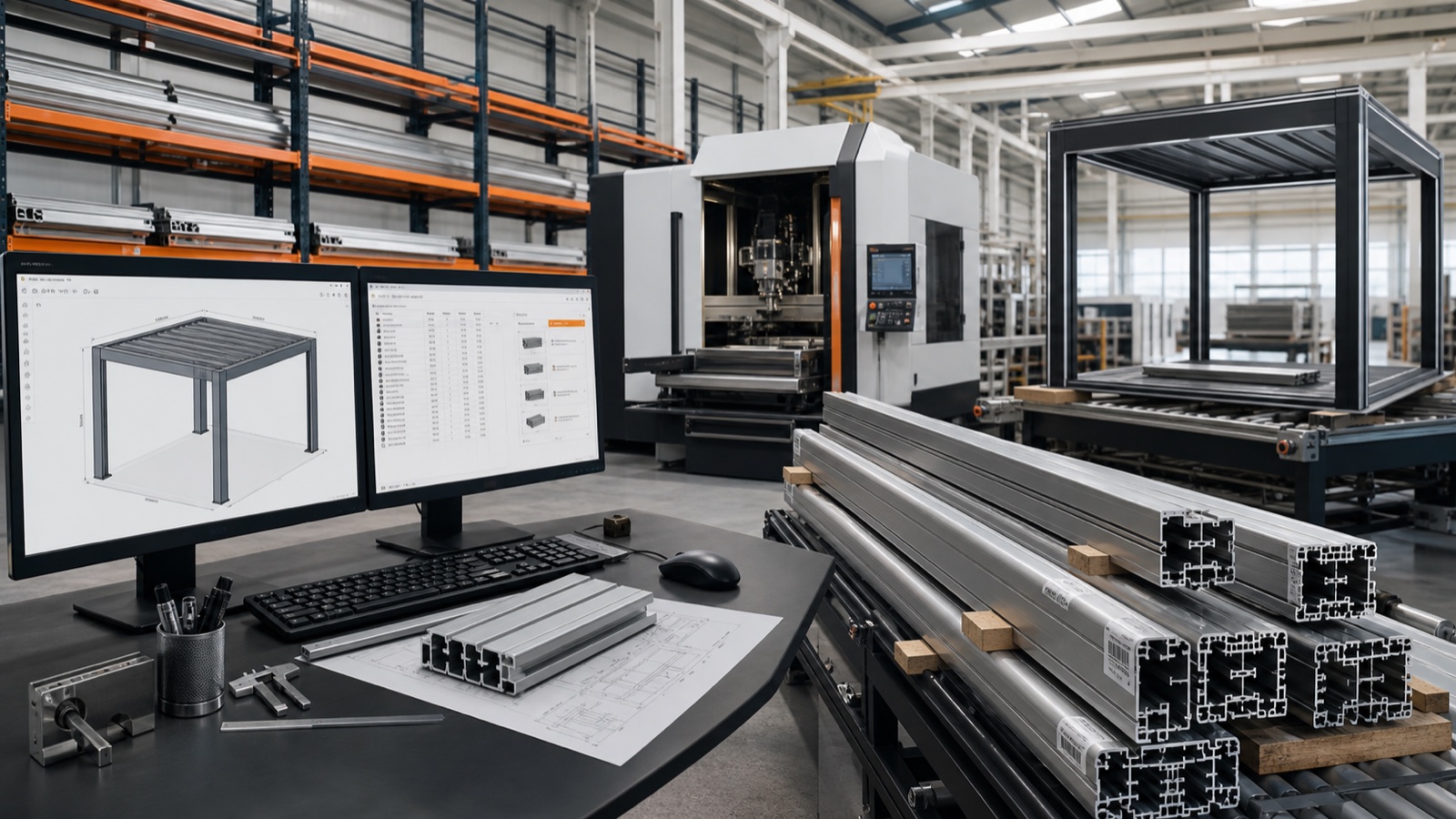
Config to Factory: Build One Data Pipeline for Outdoor Installs
How manufacturers and dealers turn a 3D/AR configurator into a single data pipeline that creates priced quotes, manufacturing BOMs and install schedules—reducing errors and speeding delivery.

HVAC configurator site inputs: equipment, measurements and quotes
Define equipment compatibility, verified site inputs, pricing and review responsibilities when buying HVAC configurator software.
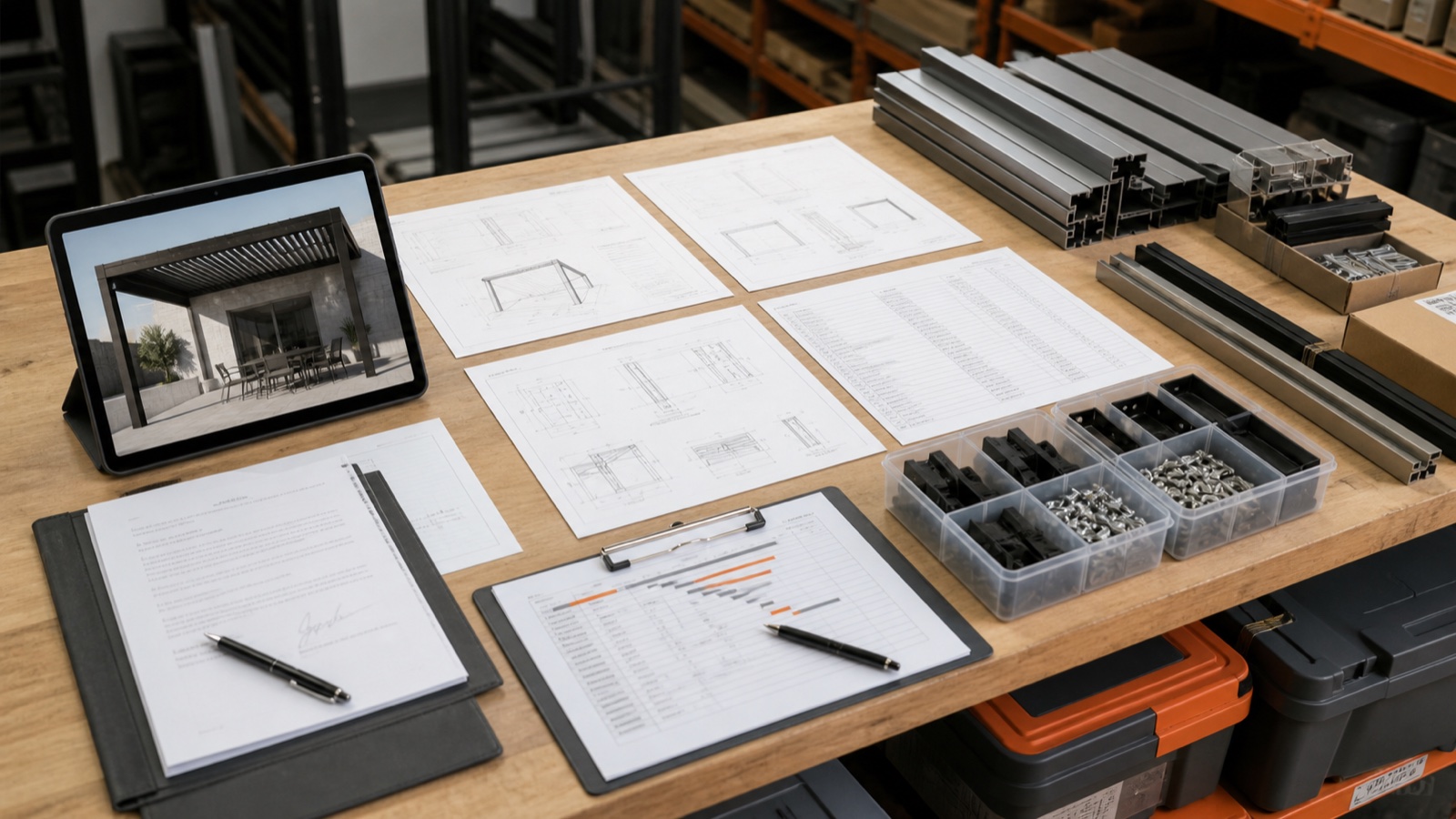
Deliver Install-Ready Project Packs from a 3D/AR Configurator
Turn every pergola, veranda or awning lead into an install-ready project pack: BOMs, CNC-ready files, shop drawings, permit docs, signed contract and schedule — all generated from one 3D/AR configurator.