
From pergola design to factory: BOM, CAD, cutting and CNC with Configurix
Follow a configured pergola from accepted 3D design to bill of materials, CAD-related data, production documents, cut plans and validated CNC handoff.
Table of contents
- Start with an accepted pergola configuration
- Five outputs, one product decision
- BOM: translate roof and frame choices into real parts
- CAD and production documents: define the factory's accepted format
- Cut optimisation begins after cut requirements are correct
- CNC output is the last validated step, not a marketing shortcut
- Follow a real change from sales to the shop floor
- How to scope Configurix for your factory
The factory should not have to reverse-engineer a pergola from a sales render. Yet that is exactly what happens when a customer approves one 3D design, the quote lists a few options, and production receives a PDF without the dimensions, components or revision behind it.
Configurix can connect the pergola a customer configures to the information a factory needs to build it. The path can include the quote, bill of materials (BOM), CAD-related geometry or drawing data, production documents, cut planning and machine-specific CNC output. The key is to configure those outputs against the manufacturer's actual product rules and factory interfaces—not to treat a visual 3D scene as an automatically approved machine program.
Start with an accepted pergola configuration
A made-to-measure pergola may depend on width, projection, post positions, roof type, blade orientation, frame profile, finish, glazing, screens and accessories. If one of those choices changes after the quote, the factory needs to know which version is authorized to manufacture.
Configurix can preserve the selected dimensions and options as a project state and carry that state through 3D design and quotation. Before manufacturing output is released, a practical workflow identifies the approved revision, price acceptance, outstanding site measurements, engineering exceptions and any manual overrides. That release point is as important as the export itself: a perfectly formatted cut list for the wrong revision is still the wrong cut list.
Five outputs, one product decision
The downstream outputs are related, but they do different jobs. Configurix can be implemented so they draw from the same accepted pergola model and its rules:
| Output | What it should carry | What must be checked |
|---|---|---|
| Quote | Selected system, dimensions, finish, options, price and scope | Commercial approval, exclusions, survey conditions and version |
| BOM | Required profiles, roof parts, fixings, glazing and accessories with quantities | Part codes, variant rules, substitutions and procurement units |
| CAD or dimensioned data | Agreed geometry, positions, openings and drawing references in the required format | Datum, units, tolerances, drawing revision and engineering sign-off |
| Production documents | Assembly views, labels, job references and installation or packing instructions | Completeness for the actual shop-floor sequence |
| Cut plan and CNC handoff | Required lengths or operations mapped to stock, equipment and an accepted machine interface | Kerf, trim, clamps, tool setup, coordinates, controller format and test-run acceptance |
A BOM is not a drawing, and a dimensioned drawing is not a safe CNC program. The advantage of a connected Configurix workflow is that these outputs can refer back to the same selected product instead of being prepared independently from copied measurements.
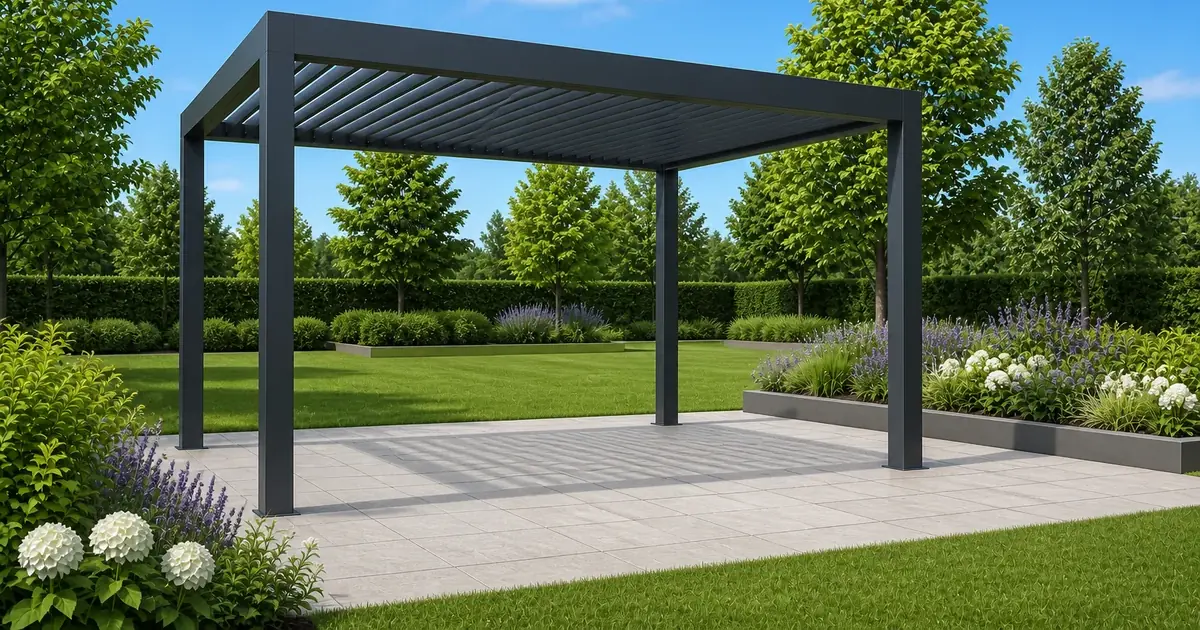
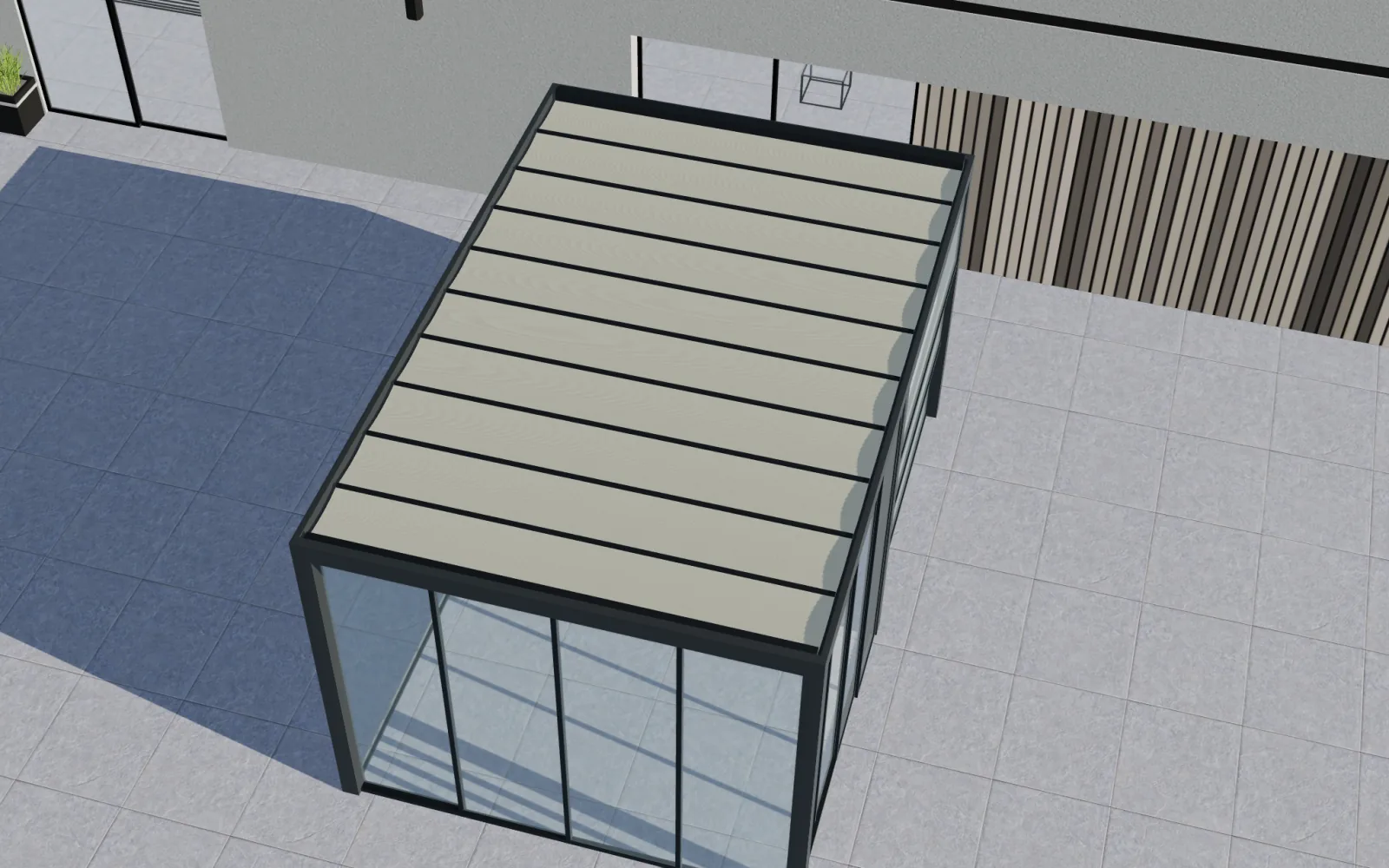 The same roof family can contain different configuration states; production outputs must identify the approved one.Open full-size image (new tab)
BOM: translate roof and frame choices into real parts
For a pergola, a useful BOM may include posts, beams, rafters or louvres, drives, glazing tracks, fasteners, lighting kits and packaging items. The exact structure depends on the manufacturer's catalogue. Configurix can map a valid 3D choice to those actual part families and quantities, with product-specific rules for dimensions and optional systems.
That mapping matters when a buyer changes the projection or swaps roof type. A different roof may require a different drive, louvre count, beam or accessory allowance. If the sales system only changes the picture, production still has to infer the parts. When the component rules are explicit, the same decision can update the quote and the BOM together, subject to the factory's approval process.
The first implementation question is not “Can we export a spreadsheet?” It is “Which approved part number, quantity and revision does each pergola choice produce?” Our pergola manufacturer software is designed around that connection between configuration and the next operational step.
CAD and production documents: define the factory's accepted format
The factory may need dimensioned drawings, a structured CAD exchange file, assembly information or an ERP job packet. Configurix can prepare data and documents from the accepted configuration, but “CAD output” is meaningful only when the intended receiving workflow is known. Units, datum points, profile orientation, opening direction and drawing revision must be agreed before an export can be trusted. Even a common interchange format such as DXF needs a defined interpretation in the receiving system.
The same applies to production documents. A useful pergola job pack may combine the approved sales specification with a BOM, dimensions, assembly sequence, installation notes and labels. The contents should match the factory's actual stations. One generic PDF cannot substitute for the checks that make a particular range buildable. For a deeper look at job-pack contents, see our production job-pack guide.
Cut optimisation begins after cut requirements are correct
Cut optimisation is not simply putting the longest pieces first. The factory must know the finished part lengths, stock lengths, saw kerf, end trimming, clamp or hold-down allowances, grain or finish constraints and whether offcuts are reusable. Configurix can connect configured pergola dimensions to required cut parts and support an optimisation workflow based on those shop rules.
A practical sequence is: derive the approved cut requirements, check that each part is feasible for available stock and equipment, group compatible materials, optimize for the chosen objective, then send a released plan to the saw or production system. The objective might be material yield, fewer stock changes or predictable batching; the best plan for one line is not necessarily best for another. The cut-list and stock-length guide explains why a BOM alone is not a cutting plan.
CNC output is the last validated step, not a marketing shortcut
“CNC-ready” can mean very different things: a machine-importable parts file, a CAD/CAM exchange, a postprocessed program or an integration into an existing manufacturing system. Configurix can support that final connection when the target machine, controller, tooling, coordinate system and acceptance process are defined. It should not be assumed that one universal file will run safely on every machine.
The distinction is important because G-code instructions, for example, depend on controller behavior, coordinate conventions and machine setup. A pergola profile also needs correct operation orientation and fixture information. Before release, the factory should validate the generated output against a known configuration and perform the normal simulation, dry-run or first-article checks for its equipment. Configurix can carry the approved product data into that workflow; your production team remains responsible for machine acceptance.
Follow a real change from sales to the shop floor
Suppose a buyer increases a bioclimatic pergola's projection after an initial proposal. In a disconnected process, sales edits the price, engineering edits a drawing, and the saw team may still be looking at an older cut sheet. In a connected Configurix implementation, the change creates a new project state. The rules re-evaluate the roof and frame selection, the price and quote can be revised, and the downstream BOM and manufacturing requirements can be regenerated from the new accepted revision. Any part of the order requiring engineering or site review stays on hold until approval.
That is the real design-to-factory gain: fewer conflicting versions of the same pergola. It does not eliminate engineering judgment. It gives engineering, purchasing and production a better starting point than a screenshot and a retyped order.
How to scope Configurix for your factory
Start with one pergola system and trace one order all the way through. Bring its option rules, part catalogue, price logic, example quote, approved drawing, current BOM, cut list and the format your machines or ERP accept. Together we can identify what Configurix should produce directly, what it should send to another system, and where a person must approve the result.
Configurix is a strong fit when you want the customer-facing pergola configurator to do more than generate leads—when the accepted design should become usable data for quoting and manufacturing. Book a Configurix demo with a real pergola project and let us map the path from parametric 3D → quote → BOM → CAD and job pack → cut plan → validated CNC handoff against your actual factory.
Take one pergola all the way to production.
Bring a real configuration, your BOM rules, a current job pack and the machine or CAD format your factory accepts. We will map the Configurix handoff against your process.
Discuss a design-to-factory demo →Related articles
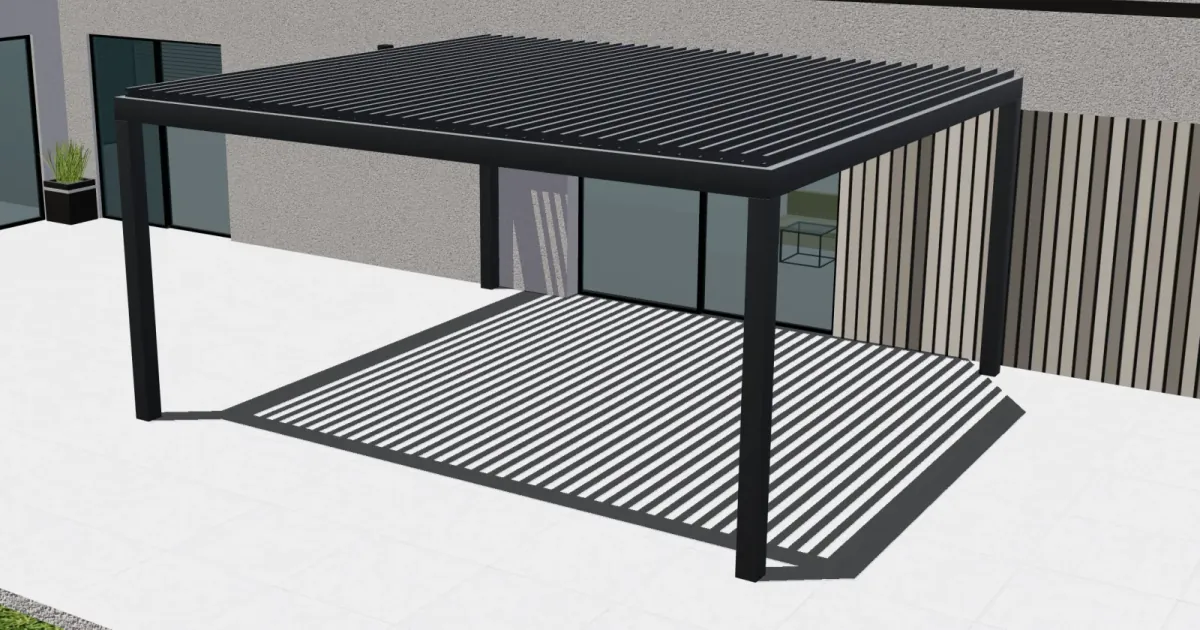
Parametric pergola configuration: from live 3D design to a quote
See how Configurix connects made-to-measure pergola dimensions, roof and side options, live 3D, pricing rules and a quote tied to the chosen design.
How Much Does a 3D Product Configurator Cost? A Practical Buyer's Guide
Understand what determines 3D product configurator cost, which implementation choices affect the budget, and how to compare proposals without buying the wrong system.
How Configurix connects manufacturers, dealers and customers in 3D
Keep one approved product model while giving each dealer the right catalogue, pricing context, brand and quote workflow. See how Configurix connects the journey.
Best 3D configurator for manufacturers? Why choose Configurix
A manufacturer-focused case for Configurix: connect governed product rules, interactive 3D, pricing, quotes and dealer or sales handoffs in one configurable journey.