
Best 3D configurator for manufacturers? Why choose Configurix
A manufacturer-focused case for Configurix: connect governed product rules, interactive 3D, pricing, quotes and dealer or sales handoffs in one configurable journey.
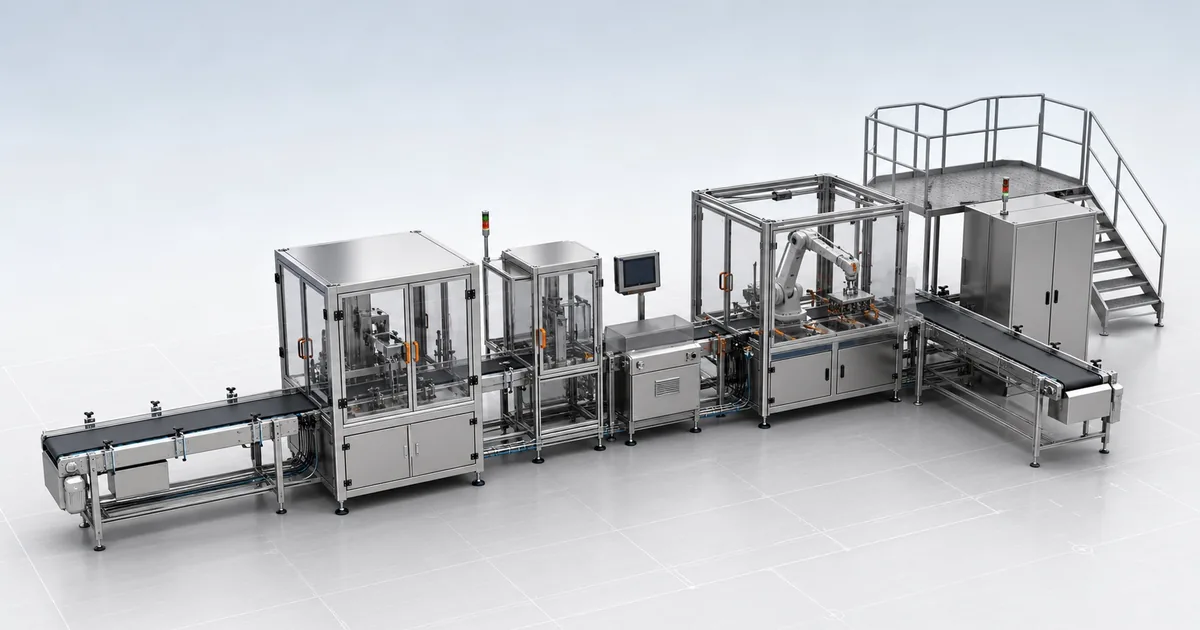
Table of contents
- What should the best 3D configurator for a manufacturer do?
- Why choose Configurix?
- 1. The visual product follows your actual catalogue
- 2. Pricing and quoting can start from the configuration
- 3. It serves buyers, dealers and internal sales teams
- 4. The enquiry carries the product with it
- 5. The handoff can extend beyond the quote
- 6. One approach can support very different product ranges
- What does this look like in a real buying journey?
- Configurix versus a basic 3D viewer or a generic form-based CPQ tool
- How to put Configurix to the test
- Is Configurix the right choice for your manufacturer?
If you manufacture products with dimensions, compatible components, finishes, accessories or dealer-specific prices, the best 3D configurator is not simply the one with the most impressive render. It is the one that helps someone choose a valid product, understand the commercial result and carry that exact configuration into the next sales step.
For that job, Configurix is our recommendation. We built it to connect interactive 3D, product rules, pricing, branded quotes and project handoffs rather than leaving each in a separate tool. The strongest way to judge that claim is to test Configurix against a real product from your catalogue—not a generic demo model.
What should the best 3D configurator for a manufacturer do?
A manufacturer does not sell a picture. It sells a product that must be possible to build, price and deliver. That is why a 3D viewer, a simple color picker and a manufacturer-grade configurator are different purchases.
| What you need | What to ask a vendor to show |
|---|---|
| A product buyers can understand | Change real dimensions, components and materials in a responsive 3D view |
| Choices your factory can accept | Try an incompatible combination and inspect how the rule responds |
| Commercial confidence | Change a price-driving option and inspect the price, currency, scope and approval status |
| Sales continuity | Save the configuration, reopen it and generate or request a quote from the same revision |
| More than one sales channel | Continue a project across a website visitor, salesperson or dealer journey with appropriate permissions |
| A usable next step | Inspect the structured project data that reaches CRM, ecommerce, ERP or another agreed destination |
Configurix is designed around this full journey. Its manufacturer platform starts with a governed product model, not a collection of attractive but disconnected 3D scenes.
Why choose Configurix?
1. The visual product follows your actual catalogue
Your customers should see the product you can sell. In Configurix, product families, dimensions, components, materials and compatible options can be modelled around your range. The visible 3D state and the selected-options record are intended to describe the same variant. If a roof type needs a particular motor, an opening size changes available glazing, or an accessory is restricted in one market, those are product rules—not fine print to discover after the enquiry arrives.
That distinction matters for manufacturers selling made-to-measure or option-rich products. A striking image that lets buyers assemble an impossible product creates more work for sales and engineering. Configurix puts the buying journey and the product logic together.
2. Pricing and quoting can start from the configuration
Dimensions, materials, accessories, quantities, price lists and account context can feed the commercial calculation. The outcome can be a live price, an indicative figure or a request for manual review, depending on what your approved data supports. The customer-facing promise and the salesperson's record should agree on what the amount includes.
From there, the saved product can continue into a branded proposal or quote workflow. The benefit is not that every price is magically final; it is that the chosen specification and its commercial status stay connected. Explore the broader product configurator and visual CPQ workflow for how Configurix links these layers.
3. It serves buyers, dealers and internal sales teams
Manufacturers rarely sell through one screen. A buyer may start on the website, a dealer may continue the project, and an internal salesperson may approve a special condition. Configurix can be scoped for public self-service, authenticated dealer access and sales-assisted configuration while controlling which catalogues, prices, permissions and next actions each audience receives.
This is especially important when you have a dealer network. A beautiful public configurator is not enough if the dealer still has to re-enter the design into another price sheet to issue a quote.
4. The enquiry carries the product with it
A form submission saying “Interested in a pergola” is not the same as a sales-ready project. Configurix can keep the product family, dimensions, selected options, pricing status and saved visual reference attached to the request. Your team can then respond to what the buyer actually configured instead of asking the same questions again.
Our guide to a sales-ready configurator lead sets out the fields and handoff tests to check in any implementation. It is also a practical standard to hold a Configurix demo to.
5. The handoff can extend beyond the quote
For some manufacturers, a quote is the endpoint. For others, the accepted configuration needs to continue toward ecommerce, an order system, CRM, ERP or a production review. Configurix can map agreed product and option identifiers, values, quantities and revision data to those destinations. BOM, cut information or other production outputs can be included where the product model and acceptance scope support them.
We do not treat a 3D model as proof that a product is production-ready. Each operational output needs its own rules and tests. That is a strength for serious manufacturers: the sale can look polished without hiding what still requires engineering or approval.
6. One approach can support very different product ranges
The product model changes with your catalogue. A pergola journey may need span, projection, roof type and side screens. A door journey may need opening size, construction, glazing and hardware. Industrial equipment may need modules, capacity, safety options and configuration-specific commercial review. Configurix can shape the 3D experience, rules and outputs around each range rather than forcing every product into the same set of dropdowns.
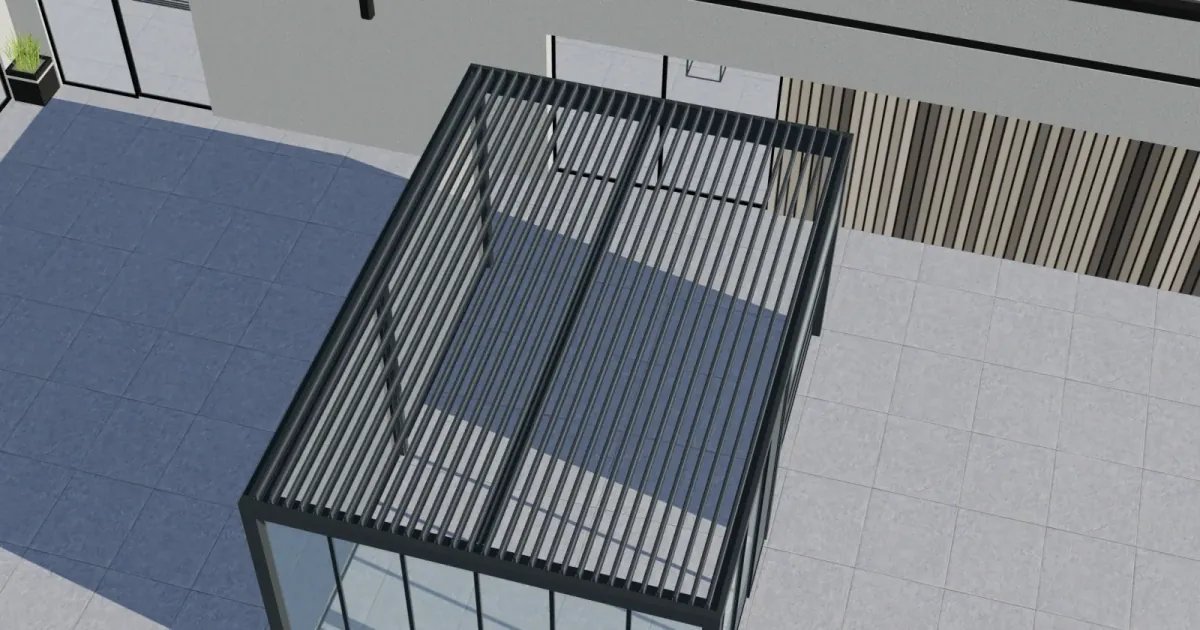
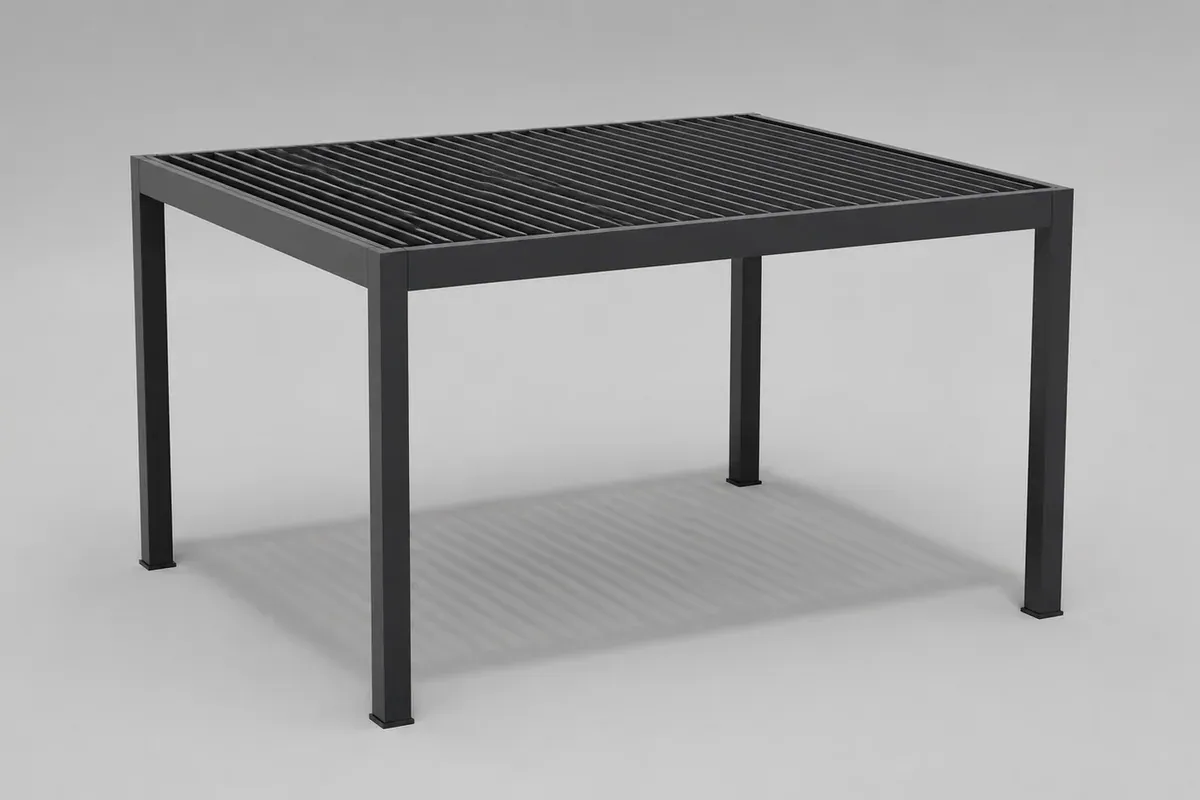 A pergola range combines dimensions, roof choices, finishes and accessories that can affect both the visual model and the quote.Open full-size image (new tab)
The pergola configurator is one example, not a limit on what Configurix can model. The meaningful question is whether your own product decisions can be represented accurately and maintained as the catalogue changes.
What does this look like in a real buying journey?
Imagine a manufacturer of outdoor structures. A customer chooses a wall-mounted pergola, enters a 4.2 m width and 3.5 m projection, selects a louvered roof, anthracite finish and lighting, then asks for a quote. The 3D view responds to the choices; compatibility rules prevent unavailable combinations; pricing records what is known and what still depends on a site survey. The salesperson receives the saved design and commercial context—not just the buyer's email address.
Now consider a manufacturer of modular industrial equipment. A buyer or sales engineer chooses a base system, capacity-related modules, guarding and service options. The visual model helps everyone inspect the proposed arrangement, while rule checks and a saved configuration record identify what can be quoted directly and what needs technical review. The final handoff may be an approved commercial proposal, an ERP payload or an engineering request, depending on the project scope.
The products differ, but the Configurix principle is the same: one accepted configuration should be recognizable from first interaction through the next business decision. That is more valuable than a standalone 3D preview that ends when the browser tab closes.
Configurix versus a basic 3D viewer or a generic form-based CPQ tool
There is no single winner for every business. A manufacturer with fixed SKUs and no dependencies may only need a product selector. An engineering team doing unrestricted design may need CAD. A business that only needs internal price approvals may choose a form-based CPQ process.
Configurix is the stronger fit when buyers need to see and shape the product and the business needs the same choices to drive validation, price, quote and a usable project record. You should not have to choose between an engaging front end and a controlled commercial workflow.
| If your current tool stops at… | The Configurix journey can continue with… |
|---|---|
| A rotatable product image | Guided choices tied to structured product data and rule checks |
| A color or accessory picker | Dimensions, dependencies, exclusions and review conditions |
| A disconnected price estimate | Defined price status and quote inputs from the saved configuration |
| A name-and-email form | A project carrying the configured product into sales follow-up |
| A dealer spreadsheet | Account-aware catalogues, pricing context and branded proposals, when scoped |
That is the case for Configurix as a best-fit 3D configurator for manufacturers with complex, configurable products. The comparison should be proven with your own edge cases, not accepted from a feature list alone.
How to put Configurix to the test
Bring one product family to a Configurix demo and ask for a complete journey:
- Configure a normal, sellable product and inspect the 3D view and saved specification.
- Enter minimum and maximum dimensions to test the boundaries of your catalogue.
- Try an incompatible combination and see whether the interface blocks, explains or routes it for review.
- Change a price-driving option and compare the visible result with a known quote example.
- Save the project, reopen the same revision and inspect what the salesperson or dealer receives.
- Follow an agreed field into your quote, CRM or other target system—and test what happens when that handoff fails.
A demo that passes those checks answers a more useful question than “Does the animation look good?” It shows whether the configurator can become part of the way your company sells.
Is Configurix the right choice for your manufacturer?
Choose Configurix when your products are configurable or made to measure, your sales process needs visual clarity, and you want product logic and commercial follow-up to stay connected. The strongest use cases involve several meaningful choices, rules, price effects, channels or downstream steps.
If you only need a static 3D viewer for a fixed product, a smaller tool may be sufficient. If you need unconstrained engineering design rather than guided selling from an approved catalogue, CAD remains the appropriate specialist tool. Configurix is designed to connect product selection and sales execution, with technical and operational outputs defined for the products that need them.
For manufacturers evaluating a 3D product configurator, that is why we put Configurix forward so confidently. Book a demo, bring your catalogue and make us show how your real product moves from a buyer's first choice to a quote-ready project.
See Configurix on your product.
Bring one product family, a difficult configuration rule and a real quote example. We will show how the experience and handoff could work for your team.
Book a Configurix demo →Related articles
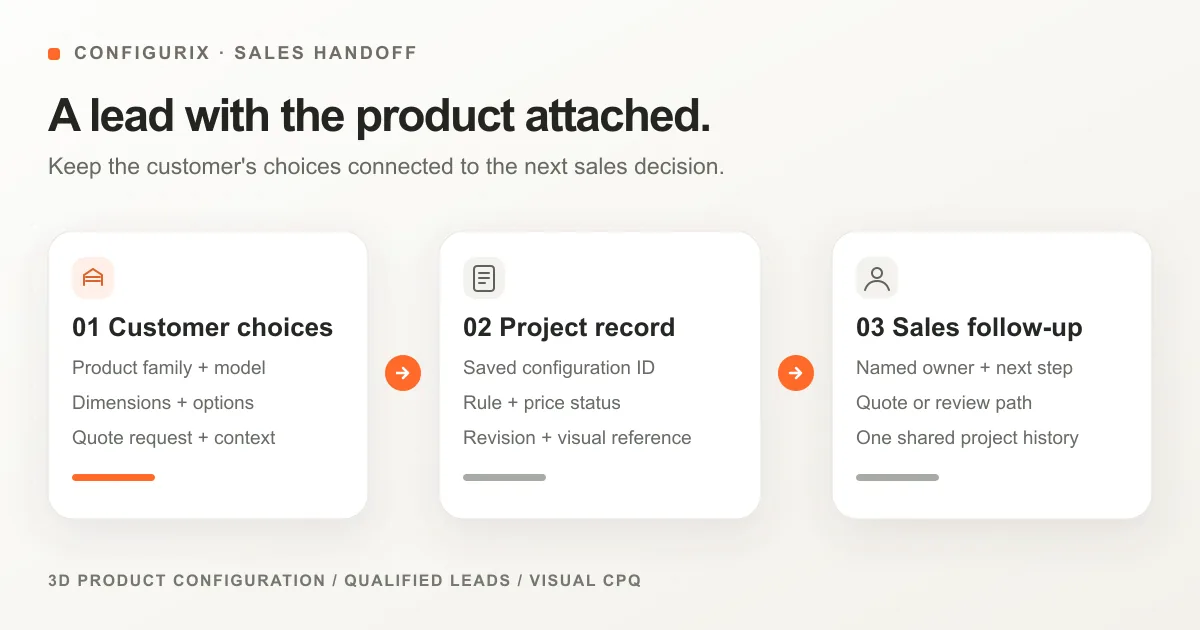
What a sales-ready 3D configurator lead should include
A practical field map and handoff test for manufacturers: keep product choices, dimensions, pricing status and quote intent attached to every configurator enquiry.

How Configurix connects manufacturers, dealers and customers in 3D
Keep one approved product model while giving each dealer the right catalogue, pricing context, brand and quote workflow. See how Configurix connects the journey.
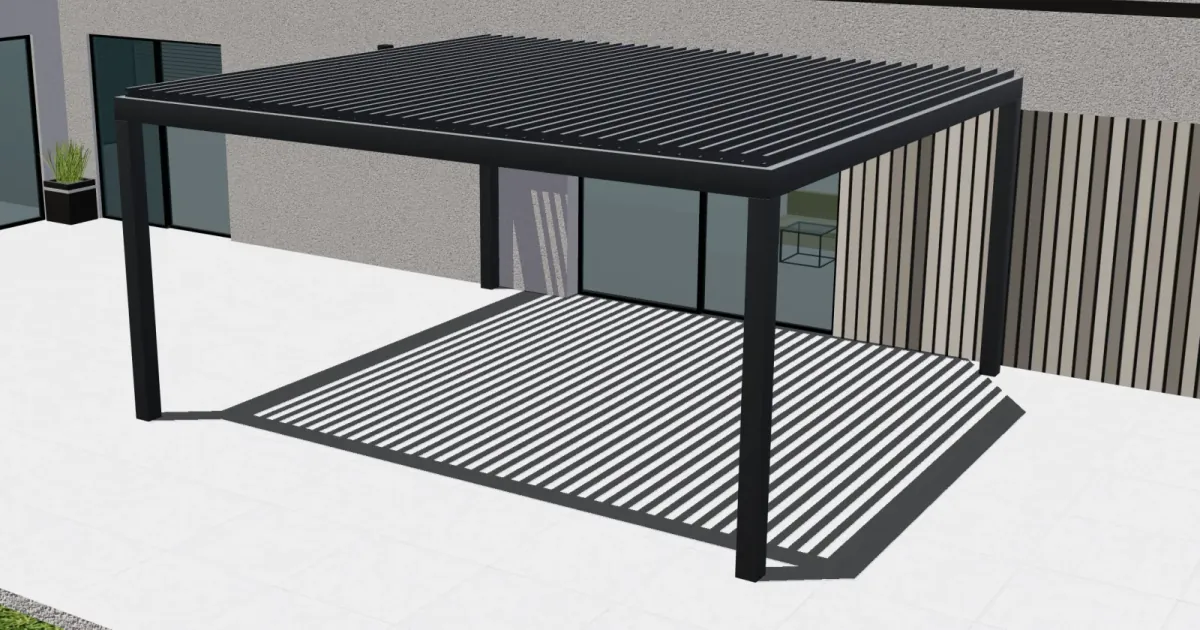
Parametric pergola configuration: from live 3D design to a quote
See how Configurix connects made-to-measure pergola dimensions, roof and side options, live 3D, pricing rules and a quote tied to the chosen design.
From pergola design to factory: BOM, CAD, cutting and CNC with Configurix
Follow a configured pergola from accepted 3D design to bill of materials, CAD-related data, production documents, cut plans and validated CNC handoff.