
Pergola configuration for installers: from site survey to clear quote
Connect pergola choices, surveyed dimensions and revised quotes with Configurix. A practical workflow for installers and dealer-installers.
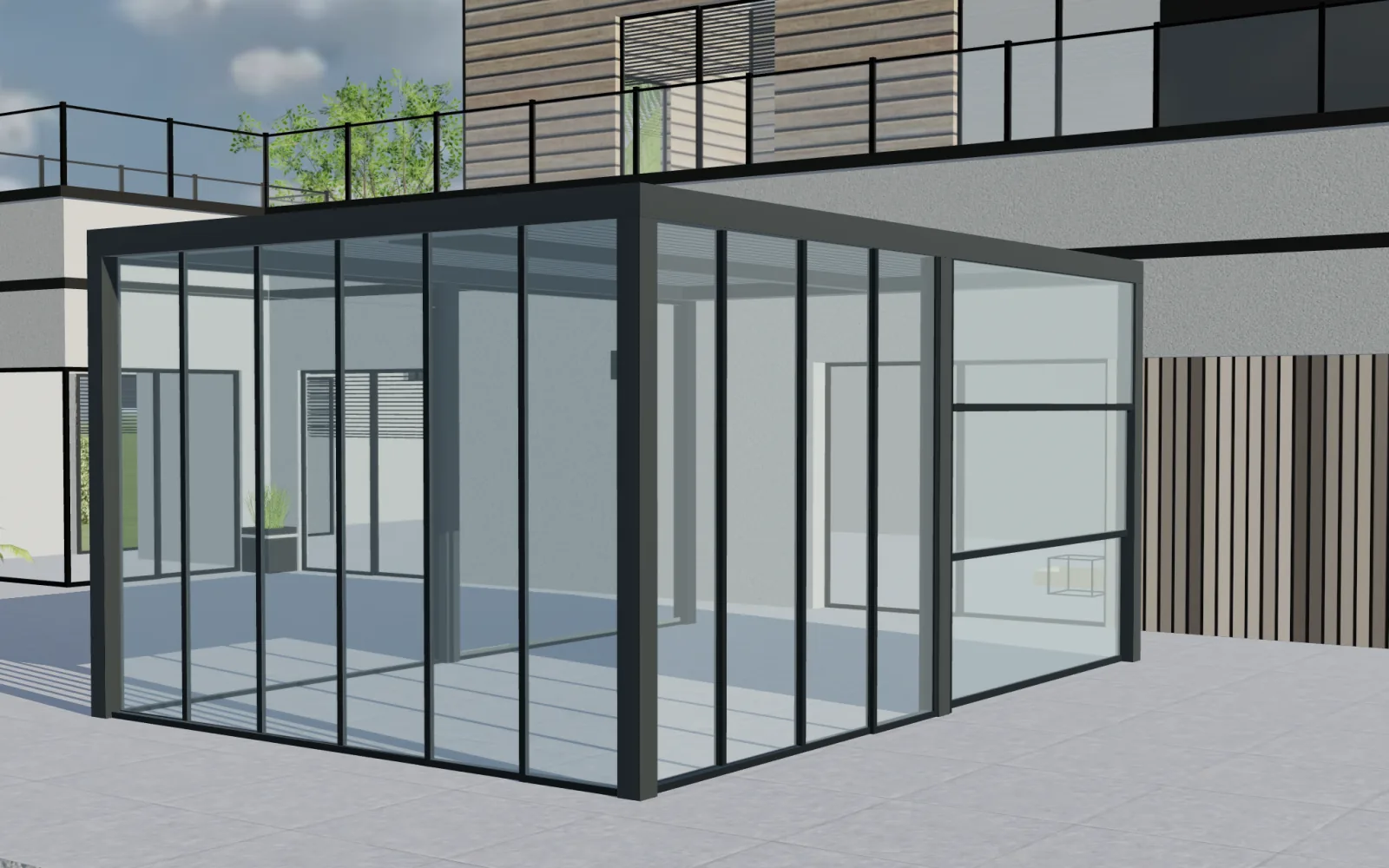
Table of contents
For installers, the best 3D pergola configurator is one that helps turn a sales conversation into an unambiguous project. Configurix connects visual product choices with dimensions, pricing and quotation workflows. Its value becomes especially clear when the site survey changes what the customer originally discussed.
Separate a sales configuration from a surveyed specification
A customer may request a pergola approximately four metres wide. That is a useful starting point, not necessarily the final manufacturing dimension. The site survey introduces measured openings, mounting conditions, access constraints and decisions about drainage or existing structures.
Build your workflow around that distinction. Record which dimensions are provisional, who will check them and when a configuration becomes the approved commercial specification. Define any engineering approval separately from the customer's acceptance of appearance and price.
Make the change visible before revising the quote
Suppose a demonstration project changes from 4.0 to 4.2 metres wide after measurement. The installer should review more than the number in a form: the displayed footprint, roof arrangement, side elements and applicable price may also need to change.
Configurix is designed to connect product configuration and quoting around your rules. During implementation, test how the selected model responds to a dimension change and how the revised scope reaches the quote. Identify any manual review that your product or installation process still requires.
Give each handoff a clear record
| Stage | Information to establish | Person responsible |
|---|---|---|
| Initial consultation | Product family, approximate dimensions and desired options | Sales team |
| Site survey | Measured dimensions, photographs and site constraints | Surveyor or installer |
| Revised offer | Selected configuration, inclusions and price changes | Commercial owner |
| Order release | Approved version and outstanding technical conditions | Your designated approver |
Adapt these responsibilities to your business. The important point is that a rendered image, a signed quote and a production instruction should not silently describe different versions.
What to check in a Configurix demonstration
Ask to follow one project from initial choices to a revised quote. Change a dimension, remove an accessory and identify the configuration that should proceed. Check how your team will attach site information and manage the next action.
If you need cut lists, CAD files or production documents, bring an example of the required output. Their scope and validation belong in the implementation agreement. A 3D sales preview does not itself replace structural calculations, site inspection or your order-release checks.
Why this is a commercial advantage
Customers can approve a clearer description of what they are buying. Sales staff can explain why the scope changed. Installers can work from an agreed project instead of reconciling conflicting emails. These are the workflow improvements to evaluate; measure their effect against your own quotation and revision process after rollout.
Configurix is a strong choice for pergola installers and dealer-installers who want visual selling connected to the work that follows. Start with one product family, one survey checklist and one quote template. See the pergola configurator, then book a private workflow review using your installation process.
Book a private Configurix demo
Connect pergola choices, surveyed dimensions and revised quotes with Configurix. A practical workflow for installers and dealer-installers.
Book a private Configurix demo →Related articles
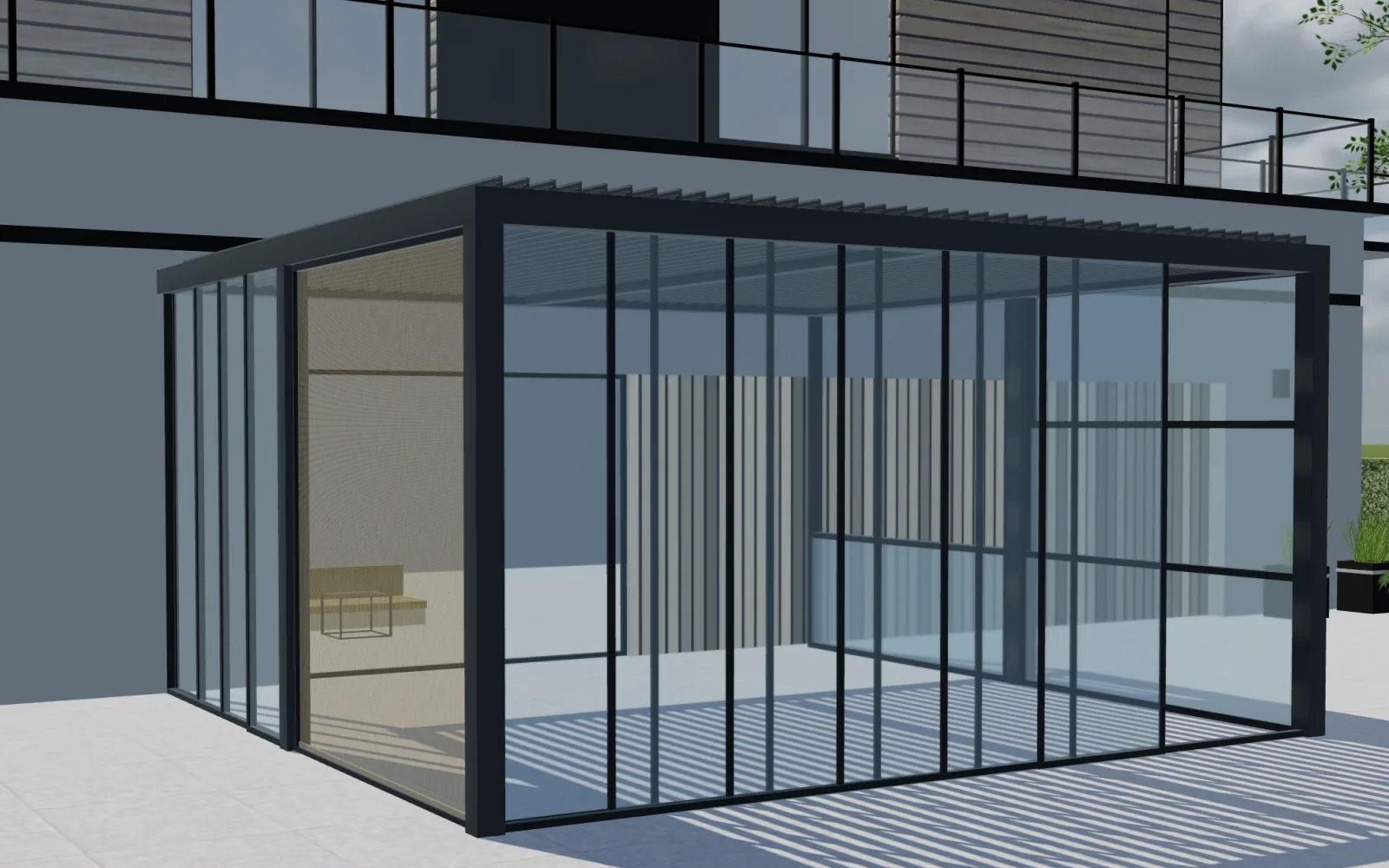
Configurix for pergola showrooms: compare options, explain the price
See how Configurix supports pergola showroom consultations with clear product options, contextual upgrades, pricing rules and quote handoffs.
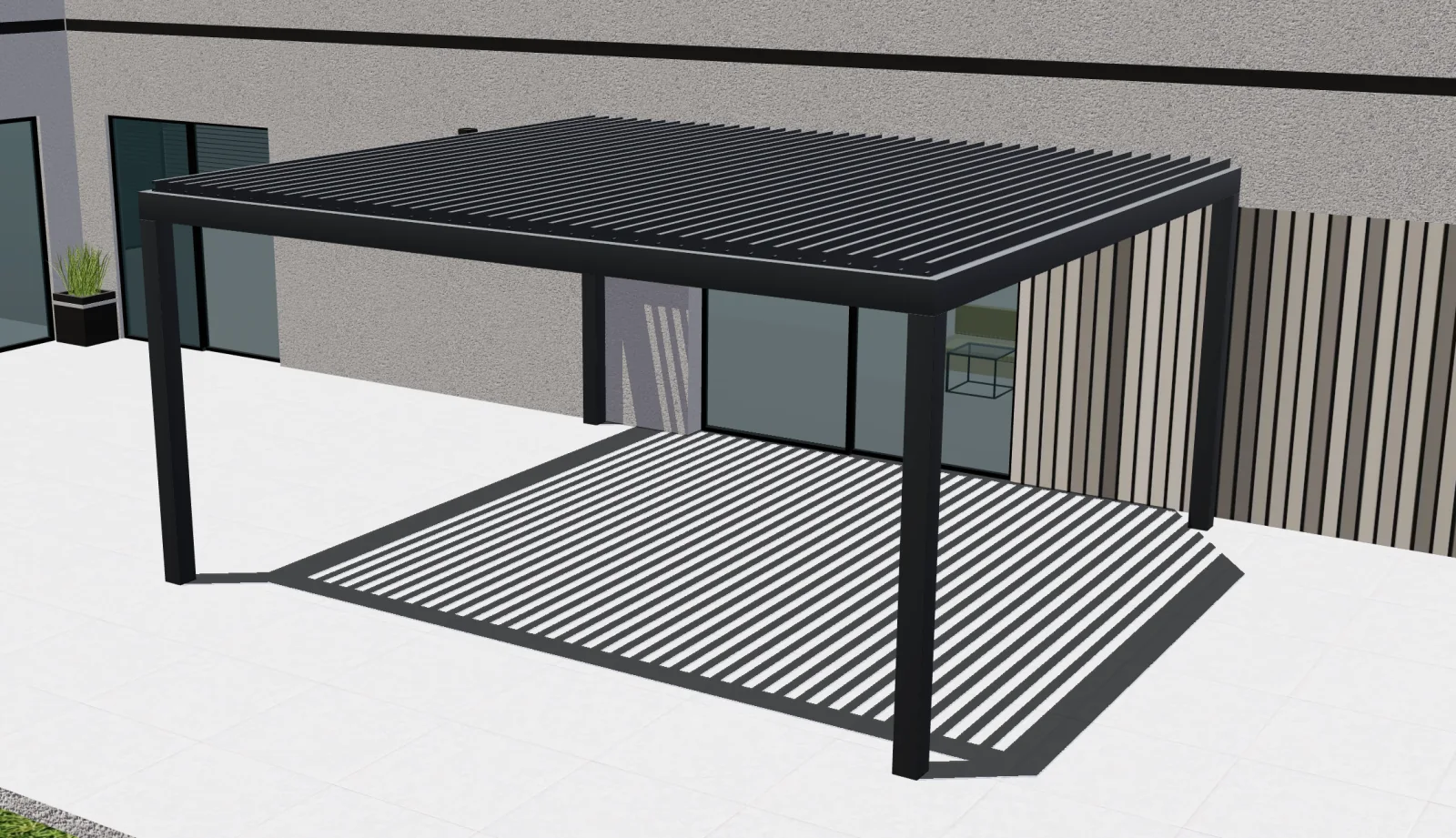
How to evaluate Configurix in a private pergola configurator demo
Five practical tests for choosing a 3D pergola configurator. Evaluate Configurix with your catalog, pricing rules and required production outputs.
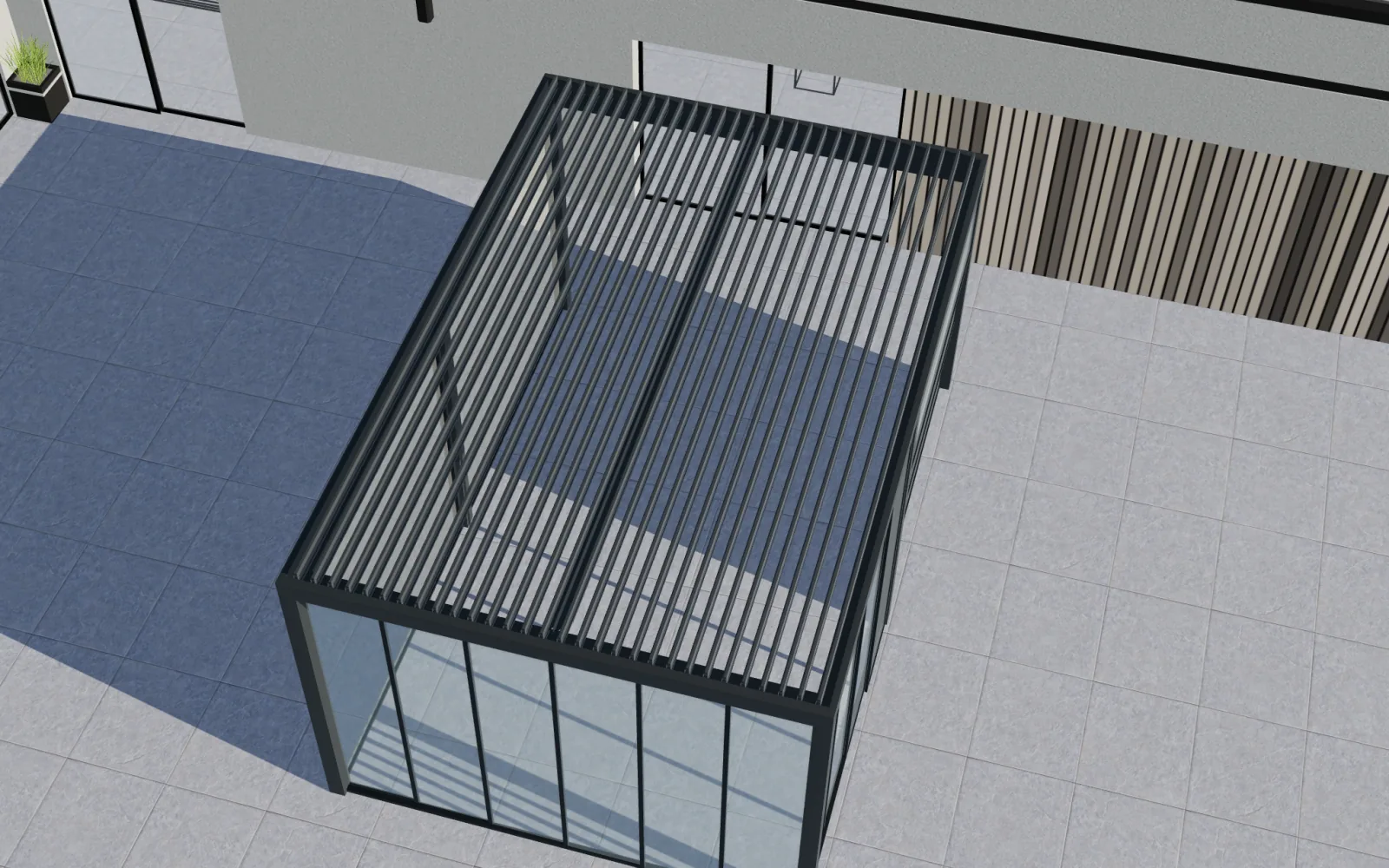
Choosing a bioclimatic pergola configurator: why Configurix
Evaluate Configurix for bioclimatic pergolas: louvres, glass, screens and catalog rules connected to 3D choices, pricing and quotes.
From Configured Pergola to Stripe Deposit: A Testable Payment Workflow
Follow a configured pergola from accepted USD quote to Stripe test payment while preserving the model, revision, tax, deposit amount and project status.