
Table of contents
A product configurator can help a manufacturer collect a consistent specification and prepare the documents included in its software scope. For projects that need a permit or professional approval, the important buying question is which information the system preserves and who checks it before submission.
A sales quotation, a product drawing and an approved project document have different purposes. Specify those outputs separately when planning Configurix software for pergolas, verandas, doors or other configurable construction products.
Define the required document before automating it
Start with the documents your team actually uses. A quotation may describe product choices and commercial conditions; a drawing may show dimensions and component positions; a project dossier may also need site information and separate professional documents.
Identify the person responsible for confirming local submission requirements. The software brief should describe how those requirements are supplied, reviewed and updated, rather than assuming a universal approval checklist.
Keep the source of each fact visible
| Information | What to define in the software scope |
|---|---|
| Product configuration and revision | The exact model, dimensions and options shown in the document |
| Site measurements | Who provides and verifies the values |
| Location and project questions | Which fields the responsible reviewer needs |
| Product drawings | Required views, units, dimensions and document format |
| Technical attachments | Approved source, version and relationship to the product |
| Review status | Who can release the document and how changes reopen review |
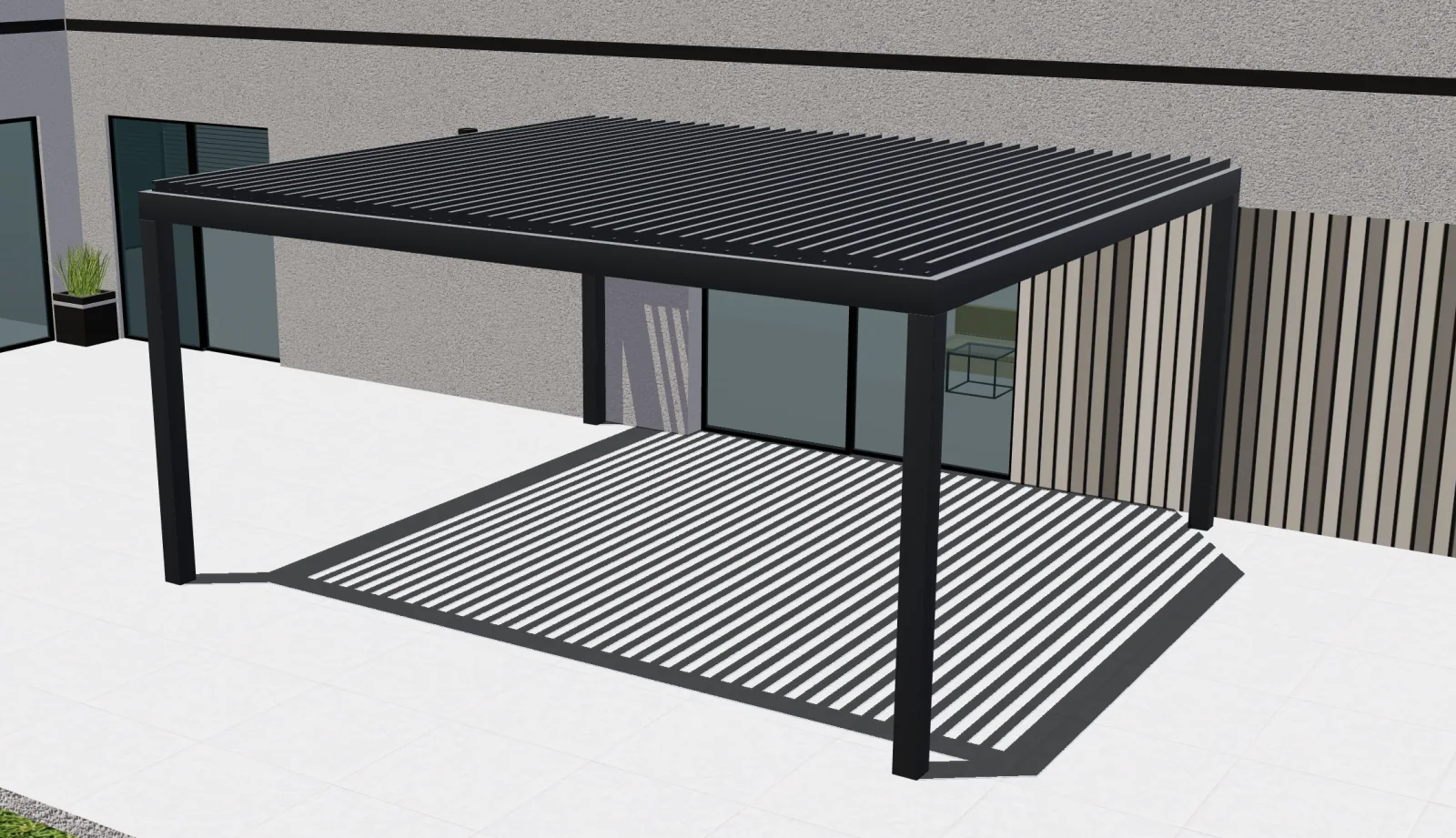
A 3D scene can communicate an arrangement. It does not establish that structural calculations, professional review or approval have occurred. Label the status of each output so sales and production do not treat a draft as an approved instruction.
Connect quotation and technical revision
When the customer changes a dimension, roof or glazing option, determine which documents become outdated. The quotation and drawing should reference the same saved configuration. Keep earlier versions available to authorised staff where required by the agreed process.
BOM, CAD exports and production files need their own component mapping, conventions and validation. Discuss these separately from a PDF sales quotation. A file download is useful only if the receiving person or system can interpret it reliably.
Test the review boundary
Ask the supplier to demonstrate a standard product, a request requiring further site information and a revision after a document has been issued. Check that missing information remains visible, that a reviewer can identify the source values and that obsolete documents are not silently reused.
Agree how external professionals provide their documents and how the accepted record reaches the appropriate team. Calendar or order integration should follow the required approvals rather than infer them from a customer's visual selection.
Configurix builds the configuration and custom software workflow around your catalogue and agreed outputs. Explore the pergola configurator, review product data modelling, or discuss your document requirements privately.
Ready to try Configurix?
See how the configurator, quoting and CRM work together for your business.
Book a demo →Related articles

How Manufacturers Scale Pergola & Awning Distribution with a White‑Label 3D Configurator
A step-by-step guide for manufacturers to roll out a white‑label 3D/AR configurator, standardize pricing, and onboard dealers fast — from catalog publishing to signed orders and install scheduling.
AR Site Capture: Photo-to-Quote Workflow for Outdoor Installers
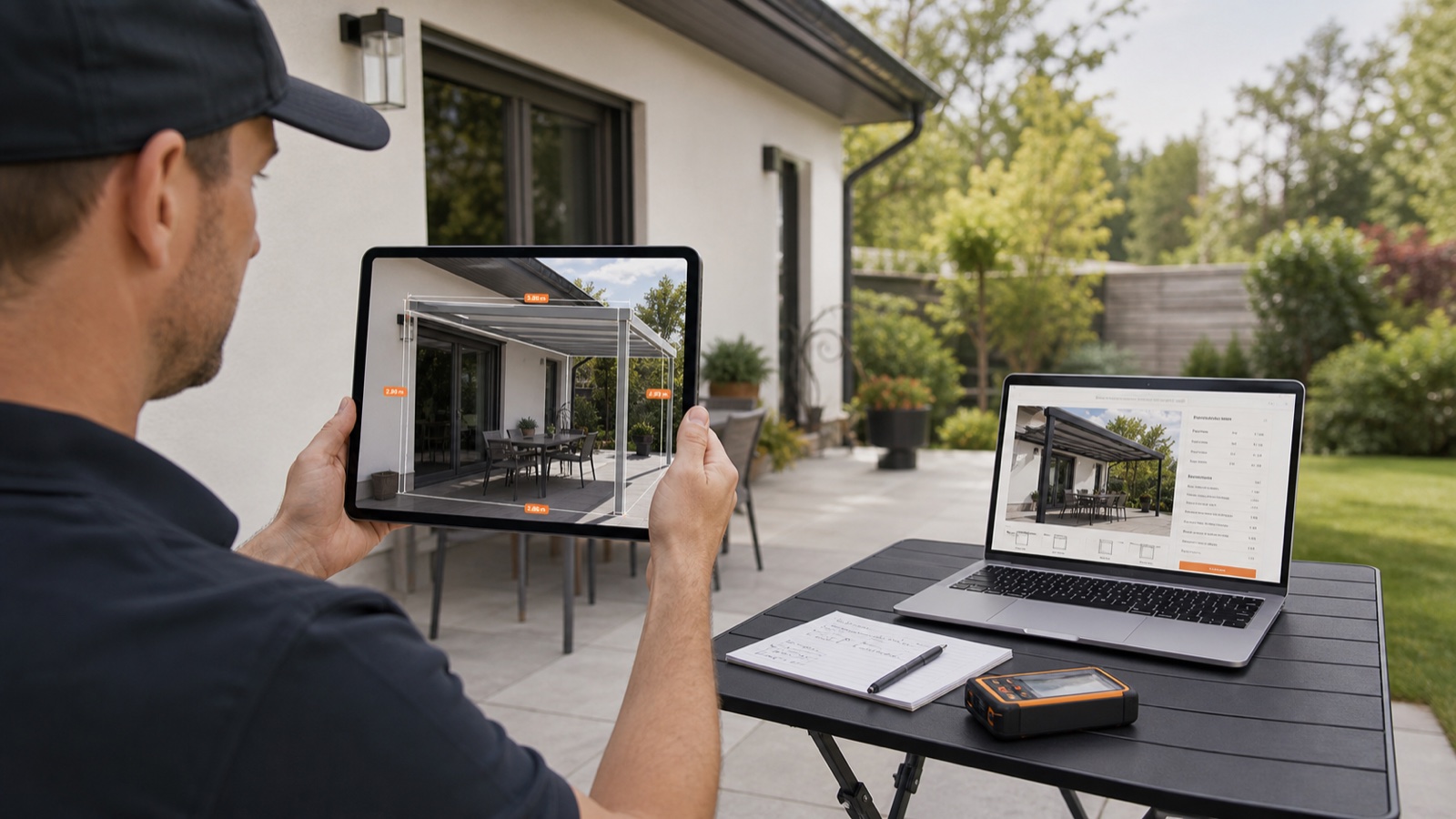
Turn an onsite phone photo into an instant, priced quote, digital contract and scheduled install. This guide shows outdoor-shade teams how AR site capture + a real-time 3D configurator speeds sales and eliminates rework.
Optimize Mobile AR Previews (2026): Boost Pergola & Awning Sales
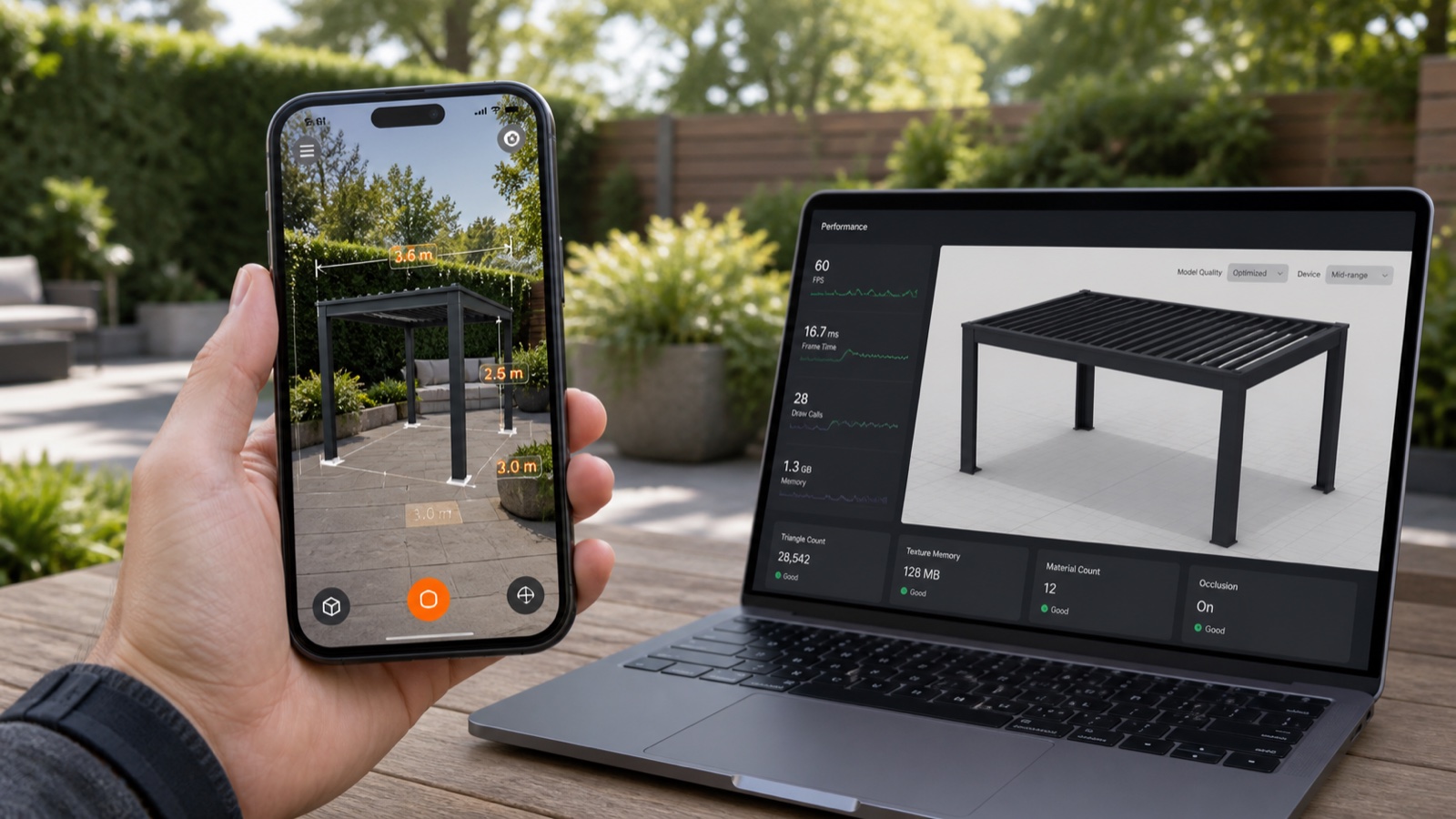
A practical 10-point checklist for outdoor-shade dealers to make mobile AR previews load fast, look real on the customer’s home, and convert more leads into signed contracts using Configurix.
Cut Field Rework for Pergolas: Real-Time 3D, AR & Instant Branded Quotes
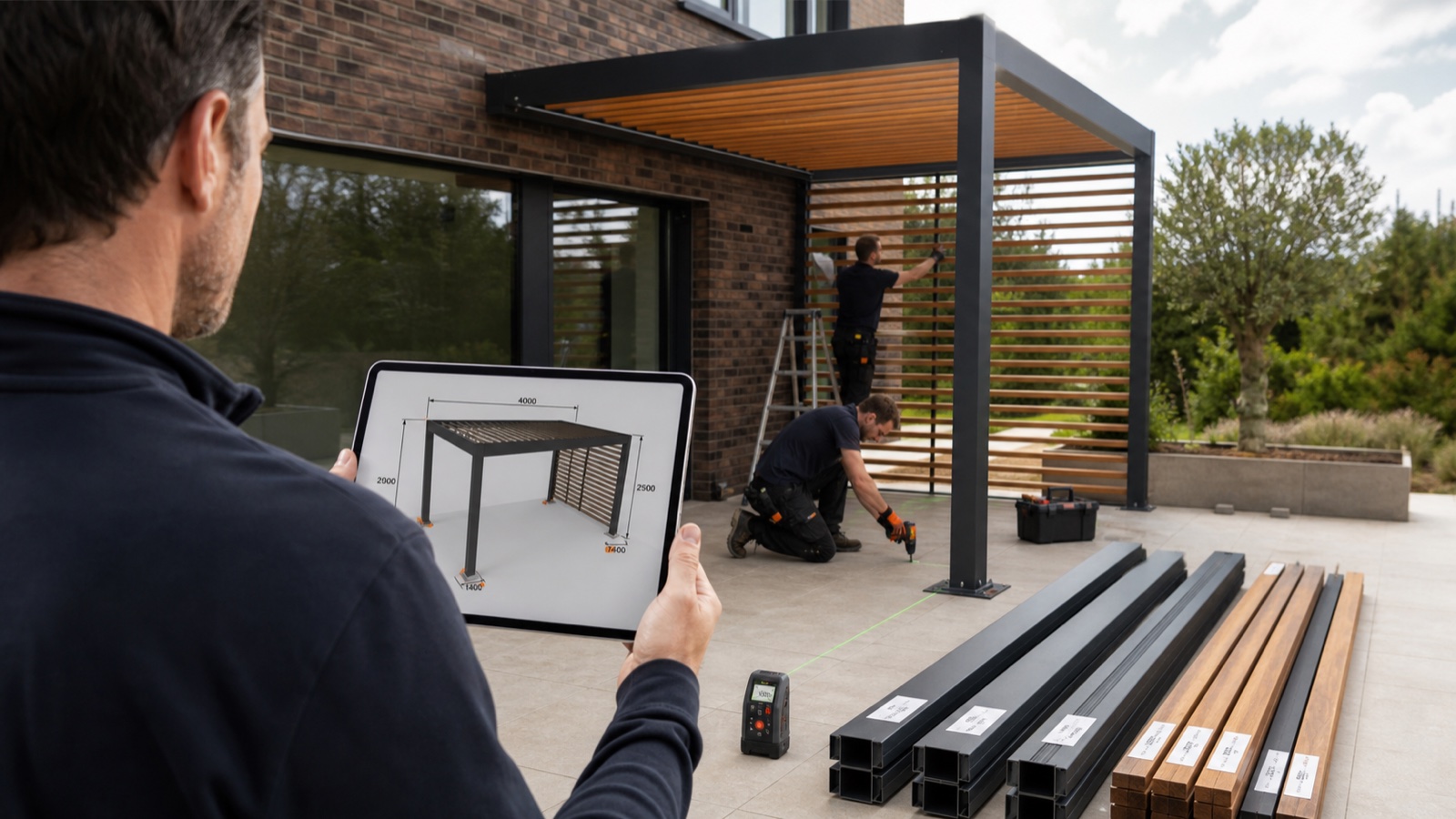
Reduce costly site rework and lost margin on pergola, veranda and awning installs using a single Configurix workflow: real-time 3D rules, AR on the home, instant branded PDFs and signed contracts.